










Key Features
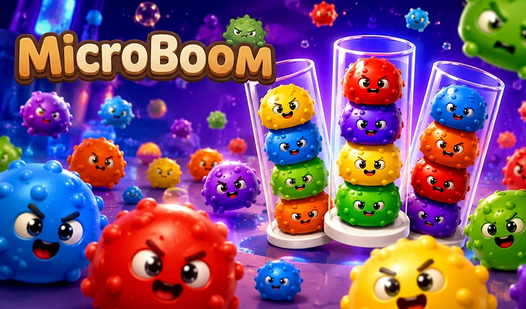
- Color sorting logic: Microbes must be grouped by color to clear the table. Fill a flask to the top and the contents pop to make space.
- Useful utility buttons: Undo your last move or restart the level using the interface in the top right corner. Hints are also available.
- Audio control settings: Toggle sound via the speaker icon. Music and effects have separate volume sliders.
How to Play
Microboom: Sorting basics
Tap a flask to pick up the top microbes of a single color. Tap another flask to pour them in. This is how to play Microboom. Remember that you can only pour onto the same color or into an empty flask. If the target has insufficient room, the move fails.
Managing your Microboom moves
Watch the neck of the flask closely before you tap. If a different color sits on top, your move will be rejected and the flask will wobble. Only the microbes that fit will move over. Any remaining microbes stay behind in the original flask until you find another spot.
Who Should Play Microboom?
Frequently Asked Questions about Microboom
Can I play Microboom on my phone?
Yes, Microboom is supported on mobile devices. You should turn your phone sideways to play in landscape orientation.
How do I get more hints in Microboom?
You start with a few free hints per level. If you run out, you can acquire more by watching an ad.
Is Microboom free to play?
Yes, Microboom is free to play on Nub Games. No download or registration required.
What age rating is Microboom?
The catalog age rating for Microboom is 6+.