





Key Features
- Star Currency: Every equation you solve drops stars. You need these to progress through the renovation stages.
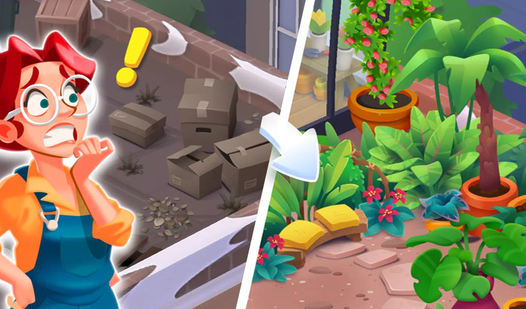
- Building Restoration: Pick which parts of the crumbling structure to fix. It turns boring math into a visual project.
- Equation Scaling: The difficulty ramps up quickly. You start with simple sums, but the later levels are kind of unfair.
- Clean Aesthetic: The relaxing visuals keep frustration low. You spend less time squinting and more time calculating.
How to Play
Math Gardens: Mastering the Input
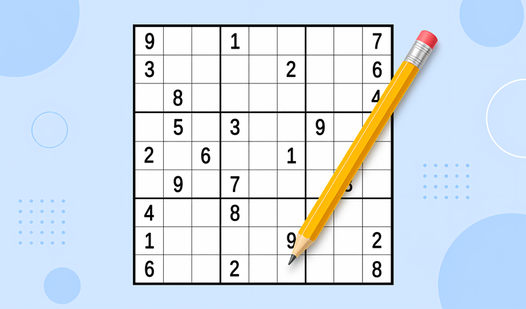
Tap or click the numbers to solve each equation as fast as you can. Math Gardens controls are simple, relying on your speed to rack up stars. A common mistake is rushing the first few digits; you will accidentally trigger the wrong answer and lose your streak before you even get started.
Renovating with Math Gardens
Once you have enough stars, head over to the building menu to spend them on repairs. This is how to play Math Gardens effectively, as you must balance solving riddles with actual design choices. Don't waste your stars on the first wall you see, because the later rooms are much more expensive.
Who Should Play Math Gardens?
Frequently Asked Questions about Math Gardens
Can I play Math Gardens on my phone?
Yes, it works perfectly on mobile devices. Just use your thumb to tap the numbers and swipe through the menus to manage your building projects.
What are the controls for Math Gardens?
On a PC, you use your mouse to click the numbers. If you are on a smartphone, you simply tap the screen to input your answers.
Is Math Gardens free to play?
Yes, Math Gardens is completely free to play on Nub Games. There are no in-app purchases. No download or registration required.
Can I play Math Gardens on mobile?
Math Gardens works on both desktop and mobile devices. Best played in none mode.
What age rating is Math Gardens?
The catalog age rating for Math Gardens is 0+.