




Key Features
- Deep Dictionary: The game pulls from a massive list of terms. You'll stumble across words you haven't seen since grade school.
- Persistent Progress: Your game state saves automatically. You can close the tab and come back later without losing your streak.
- Scaling Difficulty: Early rounds are a breeze. Once you hit the later stages, the letter combinations turn into a total nightmare.
- Global Leaderboards: Compare your scores to everyone else. It is a simple way to see if your vocabulary holds up against the pros.
How to Play
Make Words: Mastering the Grid
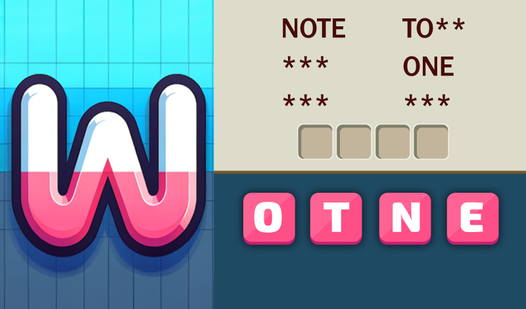
Use your mouse or tap the screen to link letters. You need to connect them in sequences to form valid terms. The Make Words controls feel responsive enough, but don't rush your taps. If you try to guess too fast, you'll mess up your flow and waste precious seconds.
Why use the Make Words Hint?
Stuck on a obscure word? That is how to play Make Words when you hit a wall. Use a hint to reveal one letter in a hidden word. Don't rely on these too often, or you'll run out of points before you finish the harder levels.
Who Should Play Make Words?
Frequently Asked Questions about Make Words
How many levels does Make Words have?
The game includes over 15,000 distinct puzzles to solve. You will likely never run out of content since the combinations change every single time you start a new session.
Can I play Make Words on my phone?
Yes, you can play on your mobile device without any issues. The interface scales well to touchscreens, although the tiny letters might be tricky if you have clumsy thumbs.
Is Make Words free to play?
Yes, Make Words is completely free to play on Nub Games. Optional in-app purchases are available. No download or registration required.
Can I play Make Words on mobile?
Make Words works on both desktop and mobile devices. Best played in portrait mode.
What age rating is Make Words?
The catalog age rating for Make Words is 0+.