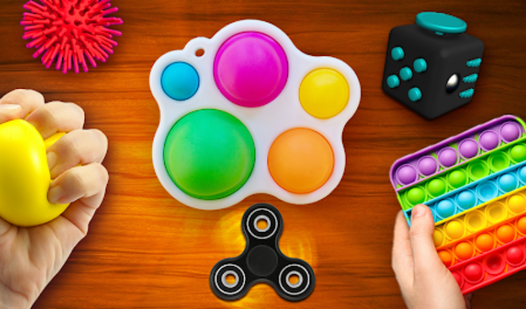












Key Features
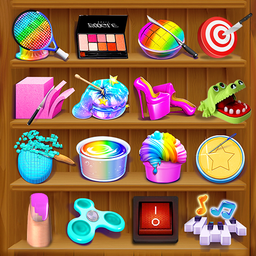
- ASMR Scenes: These simulators focus on sound and touch. They provide a space to rest your mind through simple, repetitive interactions.
- Interactive Objects: You can break virtual glass or use star swords. These tools respond to your clicks.
- Virtual Tools: Type on a virtual keyboard or fire a money gun.
How to Play
Antistress: Big Collection of Games: How to begin
To start, simply open the game in your browser. You will see a selection screen where you can choose a mode. This is how to play Antistress: Big Collection of Games. Pick any activity that catches your eye to start the simulation.
Navigating Antistress: Big Collection of Games
Select a simulator and use your mouse or touch input to interact with the objects. Each mode features unique actions like shooting a money gun or drawing on an easel. Experiment with all the modes to see which one helps you relax the most.
Who Should Play Antistress: Big Collection of Games?
Frequently Asked Questions about Antistress: Big Collection of Games
Can I play Antistress: Big Collection of Games on my phone?
Yes, the game is supported on mobile devices. You can access it through your mobile browser to enjoy the same simulators available on desktop.
How do you use the tools in Antistress: Big Collection of Games?
You interact with the tools by clicking or tapping on the screen. Each simulator responds to your input to trigger the specific ASMR effects.
Is Antistress: Big Collection of Games free to play?
Yes, Antistress: Big Collection of Games is completely free to play on Nub Games. There are no in-app purchases. No download or registration required.
Can I play Antistress: Big Collection of Games on mobile?
Antistress: Big Collection of Games works on both desktop and mobile devices. Best played in portrait mode.
What age rating is Antistress: Big Collection of Games?
The catalog age rating for Antistress: Big Collection of Games is 6+.