
Key Features
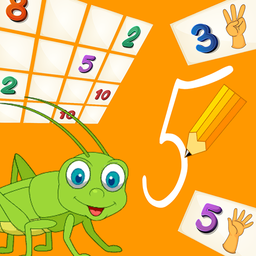
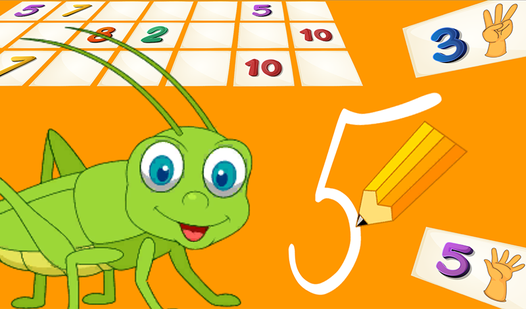
- Grasshopper commentary: The mascot reacts to every single guess. It makes the experience feel much more personal than a standard flashcard app.
- Tracing mechanics: You actually have to follow the lines to write the digits. It's the most difficult part of the whole set.
- Memory mode: Flip the cards until you find the matches. It’s a classic test of focus for anyone wanting a quick challenge.
- Audio cues: You hear the names of the numbers as you click them. It helps confirm you’ve got the right one.
How to Play
Learning Numbers 0 to 10: The basics
Learning Numbers 0 to 10 controls are simple enough. Just use your mouse to click or tap your screen to select tiles. You need to identify the numbers quickly, or the grasshopper will stare you down until you guess right. Don't overthink the early stages, or you'll get stuck.
How to play Learning Numbers 0 to 10
Focus on the counting mini-game first to get your rhythm. Once you're comfortable, move to the writing section to trace the shapes. Most people mess up by rushing the strokes. Take your time with the cursor. If you go too fast, the game won't register your movement properly.
Who Should Play Learning Numbers 0 to 10?
Frequently Asked Questions about Learning Numbers 0 to 10
Can I play Learning Numbers 0 to 10 on my phone?
Yes, it runs perfectly on mobile browsers. Just tap the screen instead of clicking with a mouse.
What are the controls for Learning Numbers 0 to 10?
You only need a mouse or your finger to interact with the screen. Everything is point-and-click, so it’s super accessible.
Is Learning Numbers 0 to 10 free to play?
Yes, Learning Numbers 0 to 10 is completely free to play on Nub Games. There are no in-app purchases. No download or registration required.
Can I play Learning Numbers 0 to 10 on mobile?
Learning Numbers 0 to 10 works on both desktop and mobile devices. Best played in landscape mode.
What age rating is Learning Numbers 0 to 10?
The catalog age rating for Learning Numbers 0 to 10 is 0+.