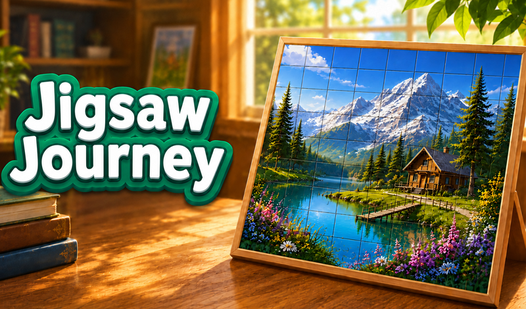


















Key Features
- Color-coded sorting: Group pieces by hue to make sense of the chaos. It stops you from scanning the entire board for one missing sky tile.
- Snap detection: Pieces lock with a satisfying click when they hit the right spot. You always know exactly when you've nailed a placement.
- Dynamic zoom: Pinch the screen to inspect tiny details on complex images. It helps when the pieces look like a blurry mess.
- Piece jitter: Sometimes pieces overlap and become a nightmare to select. You might have to move a stack just to grab the one underneath.
How to Play
Jigsaw Journey: Mastering the basics
Click and drag tiles to align them with the background grid. You need to rotate some pieces by clicking them twice before snapping them into the correct slot. Learning how to play Jigsaw Journey involves spotting patterns in colors rather than just hunting for edges, which saves you from endless frustration.
Jigsaw Journey controls and tips
Use your mouse or touchscreen for all Jigsaw Journey controls. Keep your workspace clear by stacking similar colors in the corners of the screen. A common mistake is trying to force a piece that looks close enough; if it doesn't click, it doesn't belong there. Don't sweat the small stuff.
Who Should Play Jigsaw Journey?
Frequently Asked Questions about Jigsaw Journey
Can I play Jigsaw Journey on my phone?
Yes, it works perfectly on mobile browsers. Just tap and drag the pieces with your finger, which feels surprisingly natural for this type of game.
How do you rotate pieces in Jigsaw Journey?
Simply click or tap a piece twice to spin it. Make sure the orientation matches the board before you try to snap it into place.
Is Jigsaw Journey free to play?
Yes, Jigsaw Journey is free to play on Nub Games. No download or registration required.
What age rating is Jigsaw Journey?
The catalog age rating for Jigsaw Journey is 6+.