







Key Features
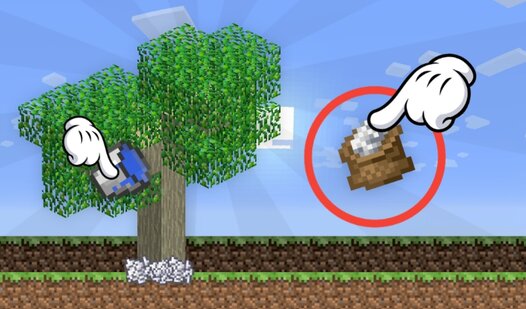
- Clean Workspace: Drag unwanted items off-screen. It keeps your area tidy so you can focus on the big fertilizers.
- Scaling Income: Every upgrade boosts your coin flow. You will feel the difference as your tree hits higher tiers.
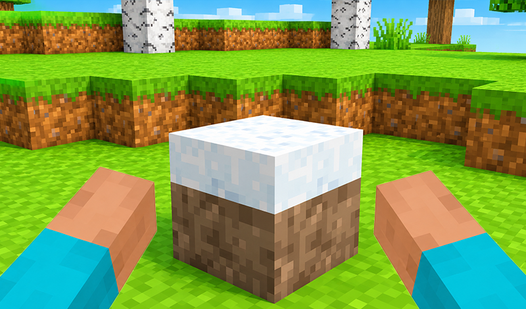
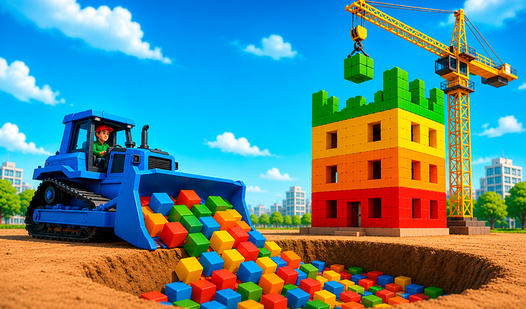
- Cubic Aesthetics: The blocky look is charming. It feels like a miniature sandbox that fits right in your browser.
- Inventory Management: The physics can get a bit janky when you have too much clutter. Sometimes items overlap awkwardly.
How to Play
Mastering Grow a tree in Mine! controls
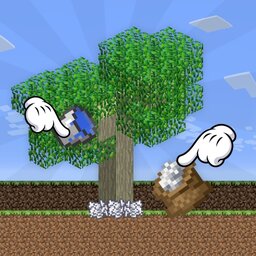
Use your mouse to drag and drop items onto the plant. The Grow a tree in Mine! controls are simple enough, but managing your inventory gets chaotic fast. You need to keep the screen clear of junk so you can reach the high-tier fertilizers. Clicking is all you need.
How to play Grow a tree in Mine! efficiently
If you want to reach the top of the records, don't waste time on low-value items. Sell them off to keep your workspace clean. A common mistake is hoarding trash instead of tossing it. Learning how to play Grow a tree in Mine! means knowing when to clear the board.
Who Should Play Grow a tree in Mine!?
Frequently Asked Questions about Grow a tree in Mine!
How do you clear items in Grow a tree in Mine!?
Simply grab any item you don't need and drag it off the edge of the screen. It disappears instantly, giving you more space to drop better fertilizer on your tree.
Can I play Grow a tree in Mine! on my phone?
Yes, it works on mobile browsers just as well as on a PC. Since it's a free web game, your progress stays right there in your mobile window.
Is Grow a tree in Mine! free to play?
Yes, Grow a tree in Mine! is completely free to play on Nub Games. There are no in-app purchases. No download or registration required.
Can I play Grow a tree in Mine! on mobile?
Grow a tree in Mine! works on both desktop and mobile devices. Best played in landscape mode.
What age rating is Grow a tree in Mine!?
Grow a tree in Mine! has a content rating of 0++. It is suitable for all ages.