










Key Features
- Infinite Building: Stack blocks until you hit the ceiling. The physics engine lets you create lopsided towers that usually collapse in hilarious fashion.
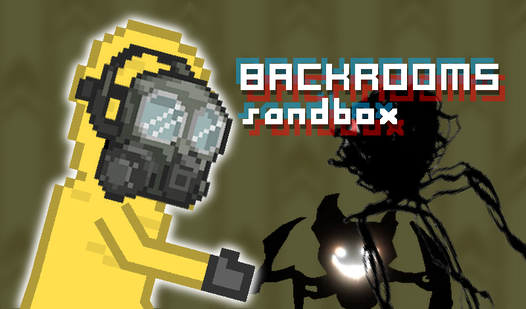
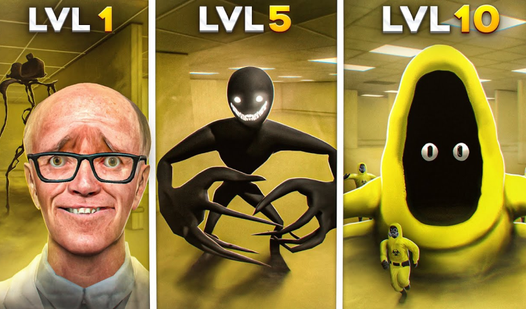
- Entity Chaos: Drop anomalies anywhere. They wander around your creations and react to the barriers you put in their way.
- Physics Sandbox: Everything interacts. Knock over your walls to see how the debris flies across the floor.
- Browser Freedom: No install needed. Just load the page and start building.
How to Play
Mastering BACKROOMS sandbox movement
Use WASD to move and your mouse to place objects. The BACKROOMS sandbox controls are a bit floaty, so you might slide past your target spot if you aren't careful. Try to stop moving before you click to place a block. Getting the placement right is key to building anything stable.
How to play BACKROOMS sandbox anomalies
Once you learn how to play BACKROOMS sandbox, you can start dropping in different entities. Some of them act weird when they bump into your custom walls. Don't build too close to the spawn points or you will trap the characters instantly. It gets messy when everyone starts clipping through the furniture.
Who Should Play BACKROOMS sandbox?
Frequently Asked Questions about BACKROOMS sandbox
Can I play BACKROOMS sandbox on my phone?
Yes, you can run this on mobile devices. The touch controls mirror the desktop layout, though placing tiny blocks can get tricky on a small screen.
How do you delete objects in BACKROOMS sandbox?
You need to select the eraser tool from the menu to remove misplaced walls. It is a bit clunky, so make sure your aim is steady before you click.
Is BACKROOMS sandbox free to play?
Yes, BACKROOMS sandbox is completely free to play on Nub Games. There are no in-app purchases. No download or registration required.
Can I play BACKROOMS sandbox on mobile?
BACKROOMS sandbox works on both desktop and mobile devices. Best played in landscape mode.
What age rating is BACKROOMS sandbox?
The catalog age rating for BACKROOMS sandbox is 12+.