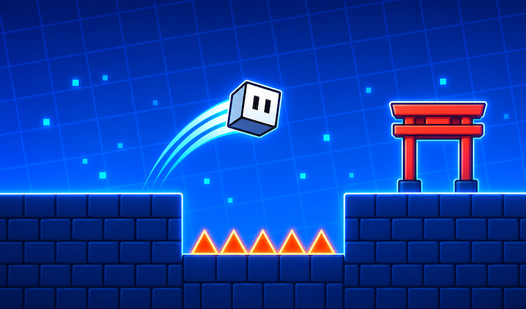




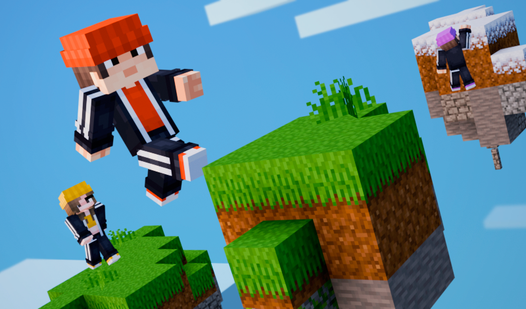












Gravity Box is a puzzle platformer where you guide a player to an exit by rotating the entire room.
Key Features
- Room Rotation: Rotating the room changes the position of walls, platforms, and hazards while the player always falls toward the bottom.
- Interactive Hazards: Levels feature spikes, lasers, switches to open doors, disappearing platforms, breakable platforms, magnets, portals, and conveyors.
- Collectibles: Each level contains an optional bonus item to collect.
How to Play
Movement and Jumping
On desktop, use Left/Right Arrow or A/D to move and Up Arrow or Space to jump. On mobile, use the movement buttons at the bottom left and the jump button at the bottom right.
Rotating the Room
Use Z/Q or X/E on desktop to rotate the room. On mobile, use the rotation buttons located at the top left and top right.
Level Navigation
Press R to restart a level. Use Escape or Backspace to return to the level map.
Who Should Play Gravity Box?
Players who enjoy puzzle platformers that require spatial manipulation.
Frequently Asked Questions about Gravity Box
How many levels are there?
There are 64 levels to complete.
Do controls change when the room rotates?
No, the controls stay the same regardless of the room orientation.
Is Gravity Box free to play?
Yes, Gravity Box is free to play on Nub Games. No download or registration required.
Can I play Gravity Box on mobile?
Gravity Box works on both desktop and mobile devices. Best played in landscape mode.
What age rating is Gravity Box?
The catalog age rating for Gravity Box is 6+.