







Key Features
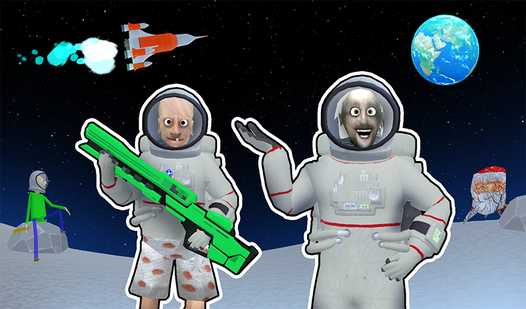
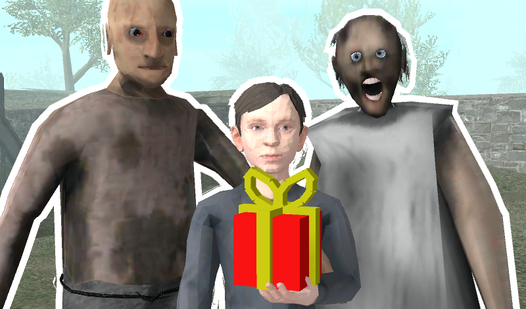
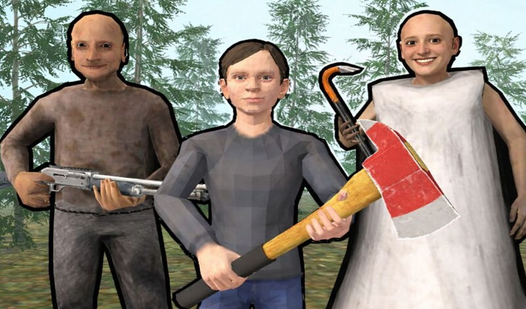
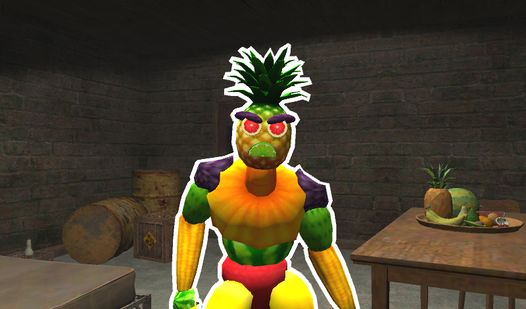
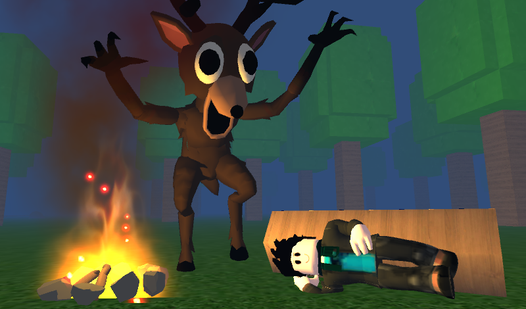
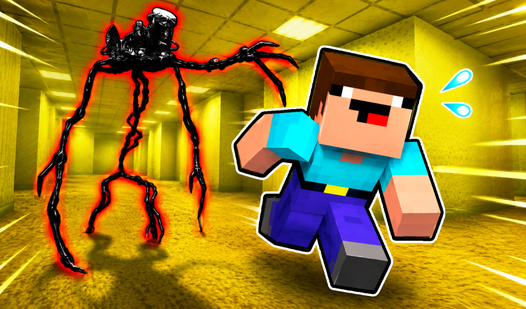
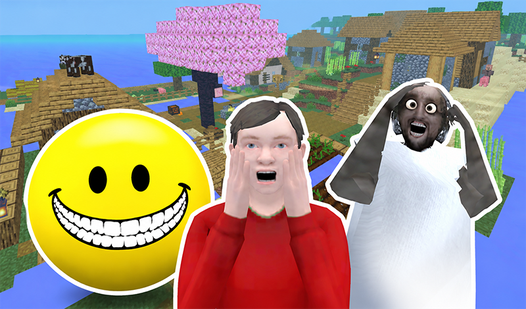
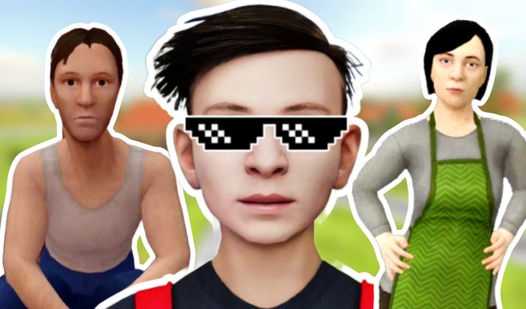
- Quest system: Help piglets, Granny, or Baldi by solving their specific tasks. These missions determine the outcome of the entire lunar adventure.
- Custom settings: Press Q to open the menu. This allows you to adjust your experience.
- Hint assistance: Stuck on a quest objective? Use the F key to open the hints window for guidance.
How to Play
How to navigate Granny in Space
Use WASD to move around the lunar surface. You must explore the world to find the residents who need help. Mastering these movement keys is how to play Granny in Space effectively. If you get stuck in a tight corner, use C to crouch and squeeze through.
Managing inventory in Granny in Space
You will gather items while completing various quests for the residents. Press E to interact with objects and pick them up. If you find yourself carrying something useless, press G to drop it. Learning the Granny in Space controls is vital for managing your limited space while solving problems.
Who Should Play Granny in Space?
Frequently Asked Questions about Granny in Space
Can I play Granny in Space on my phone?
Yes, this game is supported on mobile devices. You can jump into the adventure directly through your mobile browser without installing an app.
What are the controls for Granny in Space?
You move with WASD and crouch using the C key. Interact with the world by pressing E, drop items with G, and check your hints with F.
Is Granny in Space free to play?
Yes, Granny in Space is free to play on Nub Games. No download or registration required.
What age rating is Granny in Space?
The catalog age rating for Granny in Space is 12+.