







Key Features
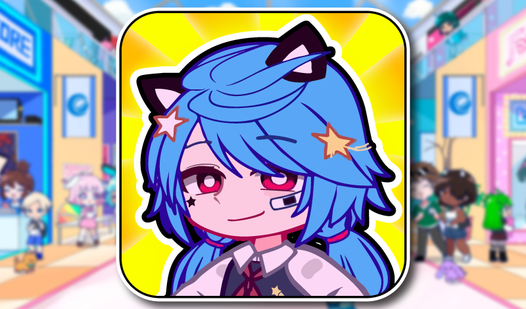
- Massive Character Roster: Collect 40 different heroes to fill your collection. Seeing the final silhouette pop up is the only reason you’ll keep going.
- Auto-Clicker Progression: Automate your earnings to watch crystals flood in while you do nothing. It saves your fingers from total exhaustion.
- Visual Rebirths: Reset your progress to earn permanent bonuses. You’ll need these boosts to reach the top of the leaderboard.
- Background Swaps: Unlock new settings as you advance. The art shift makes the repetitive clicking feel slightly less like a chore.
How to Play
Gacha Life: How to start clicking
Your Gacha Life controls are simple enough: just tap or click the center character. Every tap nets you crystals you need to progress. Don’t mindlessly mash, though. Focus on buying the auto-clicker early so your crystals pile up while you’re busy checking your phone.
Upgrading your Gacha Life setup
Once you know how to play Gacha Life, prioritize the multiplier upgrades. You’ll hit a wall where manual clicking feels useless. Use your stash to buff the auto-clicker power, or you’ll be stuck staring at the same three characters for hours. It’s a grind, but that’s the deal.
Who Should Play Gacha Life?
Frequently Asked Questions about Gacha Life
Can I play Gacha Life on my phone?
Yes, it works fine on mobile browsers. Just tap the screen instead of clicking with a mouse to generate those crystals.
How do you get more characters in Gacha Life?
You need to spend your accumulated crystals on the unlock button. Keep upgrading your click power to earn enough currency for the rare ones.
Is Gacha Life free to play?
Yes, Gacha Life is completely free to play on Nub Games. There are no in-app purchases. No download or registration required.
Can I play Gacha Life on mobile?
Gacha Life works on both desktop and mobile devices. Best played in portrait mode.
What age rating is Gacha Life?
Gacha Life has a content rating of 0++. It is suitable for all ages.