

















Key Features
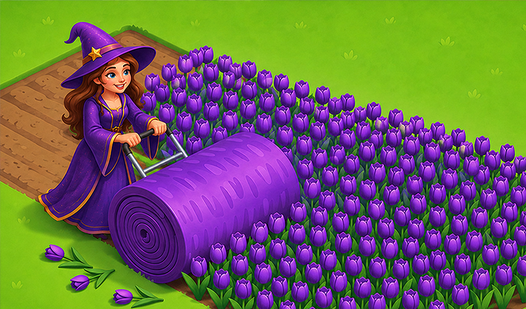
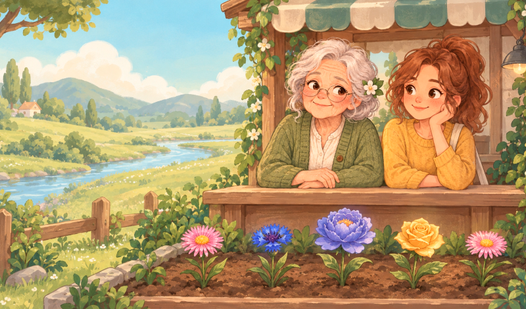
- Garden Growth: Plants grow automatically in a six-by-six garden. Timing your harvest determines the payment amount.
- Shop Renovation: Use earned coins to renovate the shop across nine steps, including painting and updating displays.
- Customer Management: Fill the happy customers meter by completing orders and tasks to receive gifts.
- Narrative Story: Experience the history of the shop, beginning with Martha saving coins forty years ago.
How to Play
Gardening
Tap a flower to cut it. Wait for the peak growth, indicated by a flashing golden ring, to receive full payment. If a flower wilts and turns to rot, tap it twice to clear the bed.
Watering
New plants require water to grow. Water refills automatically over time and tops up every morning. If you run out, you can wait for a refill, watch a video, or trade pearls.
Navigation
Use the To Shop button to access orders, daily tasks, and renovation options. Use the To Garden button to return to the plant beds. Drag lists to scroll through orders and tasks.
Settings
Access sound and language settings via the gear icon. On mobile devices, the game runs in landscape orientation.
Who Should Play Flower Adventure?
Frequently Asked Questions about Flower Adventure
What happens if I wait too long to harvest?
The flower will wilt and eventually rot, requiring you to clear the bed before planting again.
How do I earn money?
Coins are earned by completing customer orders and daily tasks in the shop.
What are the renovation goals?
There are nine steps to restore the shop, such as adding fresh paint, shelves, a new sign, and a window display.
Is Flower Adventure free to play?
Yes, Flower Adventure is free to play on Nub Games. Optional in-app purchases are available. No download or registration required.
Can I play Flower Adventure on mobile?
Flower Adventure works on both desktop and mobile devices. Best played in landscape mode.
What age rating is Flower Adventure?
The catalog age rating for Flower Adventure is 0+.