Key Features
- Rapid Recall: The timer forces split-second decisions. You stop thinking and start reacting to color patterns.
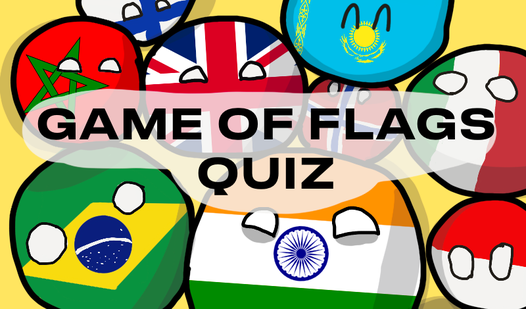
- Global Database: It covers everything from major powers to tiny territories. You will definitely find a country you have never heard of before.
- Vexillology Focus: The art style keeps the focus on the design. You get a clean look at every detail.
- Error Tracking: It tells you when you mess up. You learn exactly which ones you keep getting wrong.
How to Play
Flags: Mastering the basics
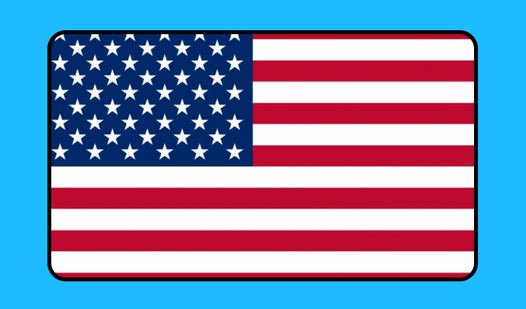
Tap or click the correct country name when the image appears. Flags controls are simple, relying on quick selection to rack up points. Don't rush these choices. A common mistake is clicking the first option that looks vaguely familiar without checking the emblem details.
How to play Flags accurately
You need to focus on the specific orientation and icons within each design. Learning how to play Flags means spotting tiny differences like slight color shifts or hidden symbols. Things turn into an absolute nightmare once you hit the obscure island nations in the later stages.
Who Should Play Flags?
Frequently Asked Questions about Flags
Can I play Flags on my phone?
Yes, it works fine on mobile browsers. The interface scales down to fit your screen without needing any extra apps.
What are the controls for Flags?
You just need your mouse or a touchscreen. Clicking or tapping the correct name is all there is to it.
Is Flags free to play?
Yes, Flags is completely free to play on Nub Games. There are no in-app purchases. No download or registration required.
Can I play Flags on mobile?
Flags works on both desktop and mobile devices. Best played in portrait mode.
What age rating is Flags?
The catalog age rating for Flags is 0+.