





Key Features
- Physicality matters: You aren't just clicking buttons. Rotating your phone or shaking the screen forces you to engage with the hardware itself.
- Piggy Bank: This weird currency feature forces you into tasks that defy typical game flow. It pays off if you’re persistent.
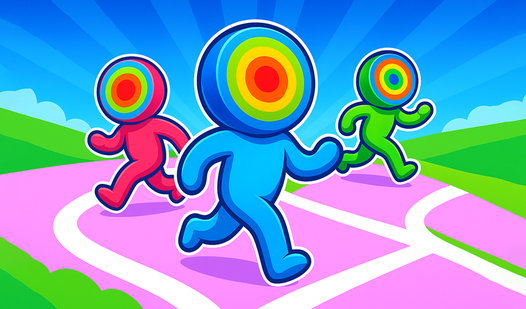
- Art style: The visuals are bright and high quality. It keeps things light even when you’re losing your mind.
- Audio work: The soundtrack isn't just background noise. Everything is composed specifically to match the oddball energy of the puzzles.
How to Play
Mastering Tricky Test inputs
The Tricky Test controls rely on your mouse or touchscreen, but don't get too comfortable. Sometimes you need to drag objects, and other times you must physically tilt your device to nudge items into place. Learning how to play Tricky Test requires letting go of standard gaming logic.
Tricky Test: Stop overthinking
The most common mistake is assuming the answer is complex. If you’re stuck on a dog-petting level, quit trying to click. Use your cursor to physically rub the screen. The game tests your lateral thinking, and once you hit the later stages, the patterns become even more absurdly difficult.
Who Should Play Tricky Test?
Frequently Asked Questions about Tricky Test
Can I play Tricky Test on my phone?
Yes, it works perfectly on mobile devices. You can tilt, shake, and flip your phone to solve the puzzles just like the desktop version.
What are the controls for Tricky Test?
Tricky Test controls are limited to simple taps and drags. However, the game occasionally forces you to move your entire device, which feels a bit janky on larger monitors.
Is Tricky Test free to play?
Yes, Tricky Test is completely free to play on Nub Games. There are no in-app purchases. No download or registration required.
Can I play Tricky Test on mobile?
Tricky Test works on both desktop and mobile devices. Best played in portrait mode.
What age rating is Tricky Test?
The catalog age rating for Tricky Test is 0+.