





Key Features
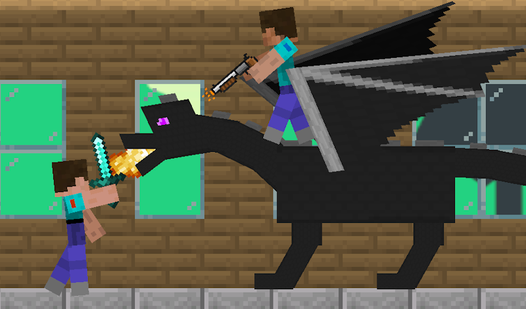
- Split-screen chaos: Sharing a keyboard creates a frantic energy. You will bump into your partner constantly while trying to dodge incoming strikes.
- Scaling threat: The enemies get smarter as you progress.
- Artifact collection: Scavenging for items keeps the pressure high.
- Combat rhythm: Timing your swings is everything.
How to Play
Mastering Double Sticks movement
Learning how to play Double Sticks requires getting used to the split-keyboard layout. Player one uses WASD to navigate, while player two relies on the arrow keys. Keep your fingers loose. The Double Sticks controls feel a bit floaty, so tap the jump button instead of hammering it to avoid overshooting your landing.
Combat in Double Sticks
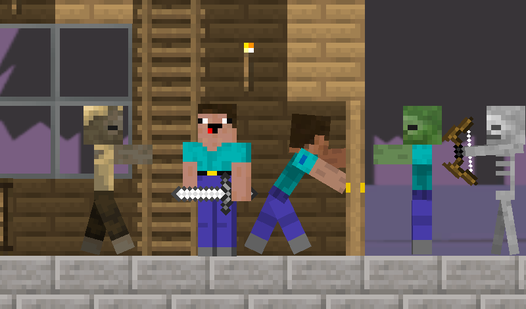
Don't get greedy when the waves arrive. You need to time your attacks carefully or you’ll end up taking unnecessary hits from the tougher enemies. Stick together. If you wander off to grab loot, you’ll get overwhelmed by the increasing difficulty before you can even think about regrouping with your partner.
Who Should Play Double Sticks?
Frequently Asked Questions about Double Sticks
What are the combat controls for Double Sticks?
Player one attacks with the V key, while player two uses the B key. Make sure you don't confuse your jump button with your attack key during a boss wave.
Does Double Sticks have multiplayer?
Yes, this game is built specifically for local cooperative play on a single screen. You and a friend share the same keyboard to fend off waves of enemies together.
Is Double Sticks free to play?
Yes, Double Sticks is completely free to play on Nub Games. There are no in-app purchases. No download or registration required.
Can I play Double Sticks on mobile?
Double Sticks is currently available on desktop only. Best played in landscape mode.
What age rating is Double Sticks?
Double Sticks has a content rating of 12++. Parental guidance may be recommended for younger players.