




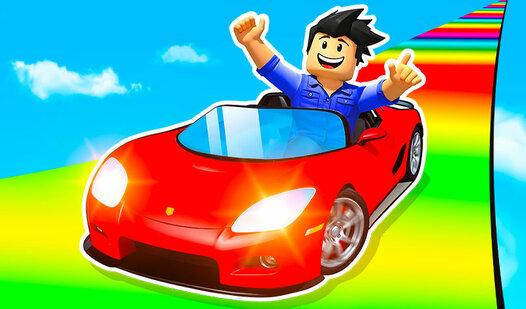
Key Features
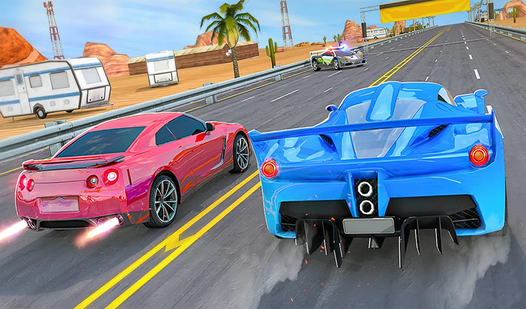
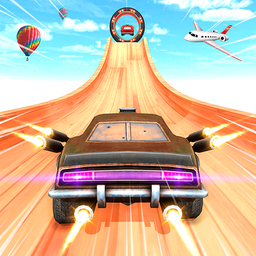
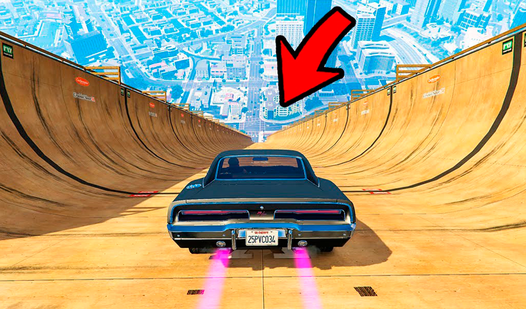
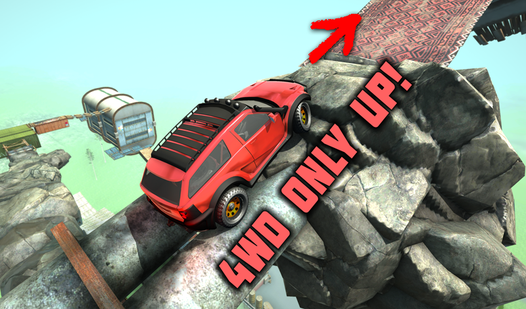
- Tight cornering: The physics engine demands a soft touch on the keys. Yanking the wheel too hard sends your car spinning into the abyss.
- Checkpoint system: Progress saves often, preventing total rage-quits. You still have to nail the jumps perfectly to keep moving forward.
- Hazard placement: Barriers appear right where you want to speed up. You must memorize the track layout to survive the later stages.
- Camera control: The mouse view lets you scout upcoming jumps. Checking your blind spots is vital for landing on those narrow landing strips.
How to Play
Mastering Cool Racing movement
To learn how to play Cool Racing, use WASD keys or arrows to steer your vehicle. Hold the right mouse button to shift the camera angle. A common mistake is holding down the accelerator through every hairpin turn. You will fly off the map if you don't tap the handbrake early.
Cool Racing controls and checkpoints
Your Cool Racing controls include the spacebar for a quick handbrake drift. Use it to tighten your lines when the track narrows. If you mess up, you respawn at your last checkpoint. Don't get discouraged when you plummet into the void, because that is just part of the learning curve.
Who Should Play Cool Racing?
Frequently Asked Questions about Cool Racing
How do you drift in Cool Racing?
Tap the spacebar while steering into a turn to initiate a drift. It helps you rotate the car faster, but watch out for the slippery physics.
Can I play Cool Racing on my phone?
Yes, you can play on mobile by using the on-screen interface. Swipe in the empty areas of the screen to move your camera around.
Is Cool Racing free to play?
Yes, Cool Racing is completely free to play on Nub Games. There are no in-app purchases. No download or registration required.
Can I play Cool Racing on mobile?
Cool Racing works on both desktop and mobile devices. Best played in landscape mode.
What age rating is Cool Racing?
The catalog age rating for Cool Racing is 6+.