








Key Features
- Room layering: Place decor behind or in front of furniture to build depth. It makes your space look like an actual designer project.
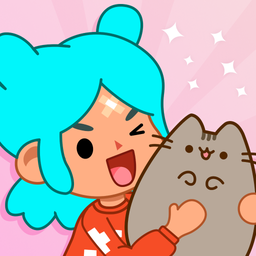
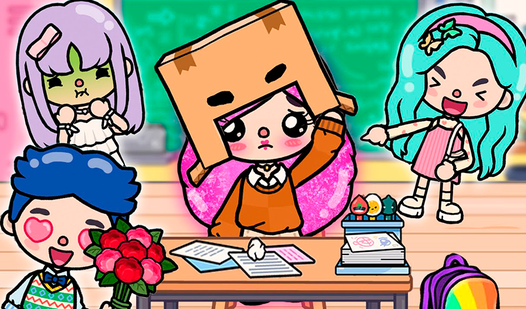
- Character customization: Swap accessories to match your current mood. You can change every single item on the fly.
- Infinite layouts: There are no saved presets forcing your hand. You own every corner of the screen.
- Visual variety: The art style is bright and poppy. It keeps the screen looking fresh even after you spend time on the cozy details.
How to Play
TB World: mastering the drag-and-drop
Learning how to play TB World comes down to your mouse or screen taps. You simply click and hold to move items around the room. The TB World controls are straightforward, but watch out for the hitboxes. They can be finicky when you try to stack small accessories on top of larger shelves.
Styling your characters in TB World
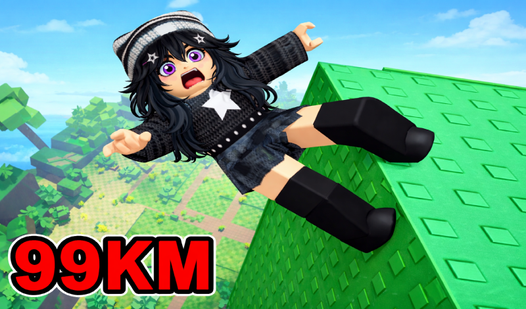
Tap the wardrobe icon to start swapping outfits. You drag clothes directly onto your character to see the fit. A common mistake is clicking too fast, which causes items to snap back to the menu. Take it slow to keep your character looks from glitching out during the assembly process.
Who Should Play TB World?
Frequently Asked Questions about TB World
Can I play TB World on my phone?
Yes, you can run it on mobile devices since it works right in your browser. The touch interface feels responsive enough for decorating on the go.
What are the controls for TB World?
You use your mouse or finger to drag and drop items across the screen. Just tap to select an outfit or object, then slide it into position.
Is TB World free to play?
Yes, TB World is completely free to play on Nub Games. Optional in-app purchases are available. No download or registration required.
Can I play TB World on mobile?
TB World works on both desktop and mobile devices. Best played in landscape mode.
What age rating is TB World?
The catalog age rating for TB World is 6+.