









Key Features
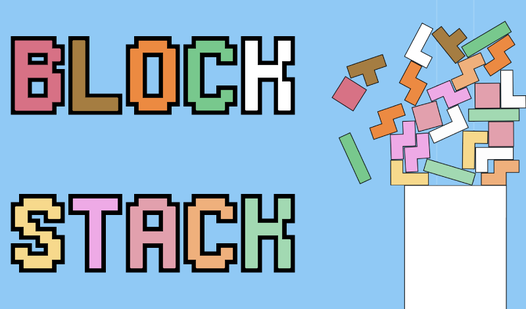
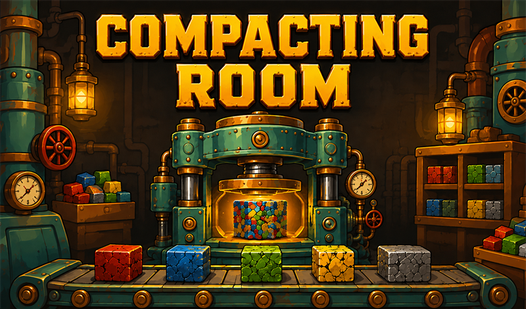
- Grid Management: Place incoming shapes onto the board to fill the available space. You must plan your layout carefully before triggering the press.
- Shape Manipulation: Rotate incoming blocks with the mouse wheel to find the perfect fit. Splitting complex forms helps you clear tight corners.
- Press Activation: Hit the compact button once the tray is ready. This triggers the score calculation based on your current board state.
How to Play
Compacting Room: Placing and Rotating
Choose a shape from the conveyor and drop it onto the grid to get started. Use the mouse wheel to rotate pieces before you commit to a spot. This helps you fit awkward angles into the grid. Learning how to play Compacting Room requires managing your available space efficiently.
Managing Complex Forms in Compacting Room
Split complex blocks if they do not fit your current layout. You can use splitters to break down large pieces into smaller segments. While splitters make the work easier, you can finish every level without them. Mastering these Compacting Room controls is the key to clearing the tray.
Who Should Play Compacting Room?
Frequently Asked Questions about Compacting Room
What are the controls for Compacting Room?
You use your mouse to select shapes from the conveyor and place them on the grid. Rotate pieces with the mouse wheel and click to activate the press.
Is Compacting Room free to play?
Yes, Compacting Room is free to play on Nub Games. No download or registration required.
Can I play Compacting Room on mobile?
Compacting Room is currently available on desktop only. Best played in landscape mode.
What age rating is Compacting Room?
The catalog age rating for Compacting Room is 12+.