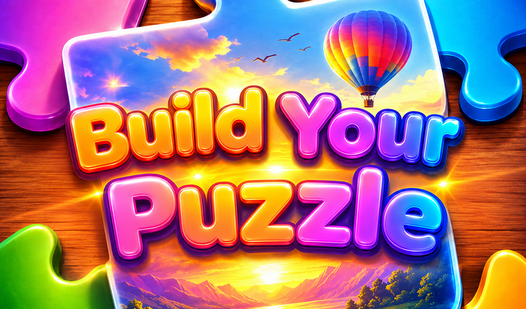


















Key Features
- Custom Photo Uploads: Turn your personal files into a game. The first photo is free to use.
- Randomized Piece Order: Pieces appear in a different sequence every time. This ensures every game feels different.
- Adjustable Difficulty: Select from quick rounds to large boards. You choose the scope of the puzzle.
- Hint System: Press the question mark to get help. The first three hints are free to use.
How to Play
Build Your Puzzle: Setting up your board
Start by selecting a specific piece shape and a difficulty level that fits your mood. You can upload your own photo if you want a custom challenge. This is how to play Build Your Puzzle. Choosing a higher difficulty increases the piece count, so prepare for a longer session.
Mastering the Build Your Puzzle controls
Use your mouse or finger to drag pieces from the tray to the board. Build Your Puzzle controls are simple, but watch the edges. Pieces lock automatically once you place them correctly. If you get stuck, the hint button will move a selected piece to its proper spot.
Who Should Play Build Your Puzzle?
Frequently Asked Questions about Build Your Puzzle
Can I play Build Your Puzzle on my phone?
Yes, the game supports touch controls and works on mobile devices. You can drag and drop pieces with your finger just like you would on a desktop computer.
How do I use a hint in Build Your Puzzle?
Press the question mark button and select the piece you want to place. The game will then move that piece to its correct position on the board.
Is Build Your Puzzle free to play?
Yes, Build Your Puzzle is free to play on Nub Games. No download or registration required.
What age rating is Build Your Puzzle?
The catalog age rating for Build Your Puzzle is 0+.