

Key Features
- Global Tables: Each location shifts the table physics, making the ball slide faster on newer surfaces.
- Aim Assist: The trajectory lines help visualize your bank shots. They disappear when you get too confident.
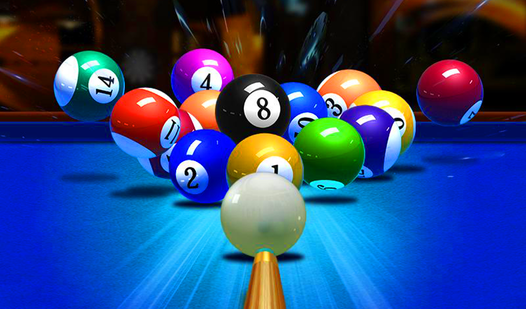
- Clean Physics: Balls collide with a satisfying weight. It feels like a real table.
- Power Control: Managing the force of your strike is the only way to keep control of the table.
How to Play
Billiard: Mastering the Cue
Use your mouse or tap to aim and shift the power gauge for your strike. This is how to play Billiard if you want to avoid scratching the cue ball early. You need to line up the path indicator carefully. Don't rush; the table doesn't forgive a hurried shot.
Billiard: Strategic Positioning
The Billiard controls require a steady hand to set the spin. If you hit too hard, you lose track of where the cue ball lands for your next turn. Most players mess up by ignoring the ball's momentum after the impact. Always plan two shots ahead or you will get stuck.
Who Should Play Billiard?
Frequently Asked Questions about Billiard
Can I play Billiard on my phone?
Yes, it runs in your mobile browser without issues. The touch interface feels precise enough to handle those tight bank shots while you are on the go.
What are the controls for Billiard?
Use your mouse or finger to drag the cue for aiming and pull back to set your power. Once you release, the shot is locked in, so take a second to breathe.
Is Billiard free to play?
Yes, Billiard is completely free to play on Nub Games. There are no in-app purchases. No download or registration required.
Can I play Billiard on mobile?
Billiard works on both desktop and mobile devices. Best played in landscape mode.
What age rating is Billiard?
The catalog age rating for Billiard is 0+.