
















Key Features
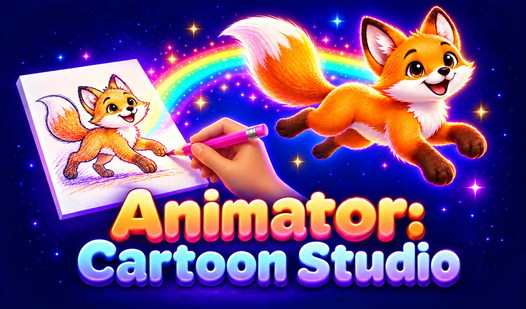
- Onion Skinning: Ghosting the previous frame keeps your character proportions consistent. It makes the difference between a fluid motion and a flickering disaster.
- Playback Control: Slide the speed from 1 to 30 frames per second. You can test your timing instantly.
- Flexible Exporting: Save your work as a GIF or video file. Sharing your creations with friends is a breeze.
- Custom Palette: Pick any color you need for your characters. The interface feels a bit cramped on smaller phone screens.
How to Play
Animator: Cartoon Studio: Setting the Stage
First, you need to pick your canvas size. Use your mouse or touchscreen to select a standard frame or a vertical layout for social media clips. Animator: Cartoon Studio controls are straightforward, relying on simple clicks to swap between your pencil and the fill bucket tool for quick coloring.
Mastering Animator: Cartoon Studio: Onion Skinning
This is how to play Animator: Cartoon Studio like a pro. Enable the onion skin feature to see a faint ghost of your previous frame. This acts as a guide for your lines. A common mistake is drawing too fast; keep your movements small to avoid a jittery, unwatchable mess.
Who Should Play Animator: Cartoon Studio?
Frequently Asked Questions about Animator: Cartoon Studio
Can I play Animator: Cartoon Studio on my phone?
Yes, you can use it on mobile browsers. The touch interface works well for drawing, though you might find the tiny toolbar icons a bit fiddly.
How do you export clips in Animator: Cartoon Studio?
Once you finish your sequence, click the export icon in the menu. The game lets you choose between PNG, GIF, or video formats before saving to your device.
Is Animator: Cartoon Studio free to play?
Yes, Animator: Cartoon Studio is free to play on Nub Games. Optional in-app purchases are available. No download or registration required.
What age rating is Animator: Cartoon Studio?
The catalog age rating for Animator: Cartoon Studio is 0+.