Key Features
- Local co-op: Share your keyboard with a buddy to tackle levels together. It makes the harder math sections way less lonely.
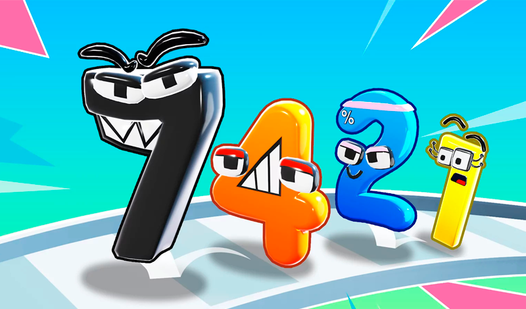
- Vibrant visuals: The bright art style keeps things light. It looks great on a laptop screen.
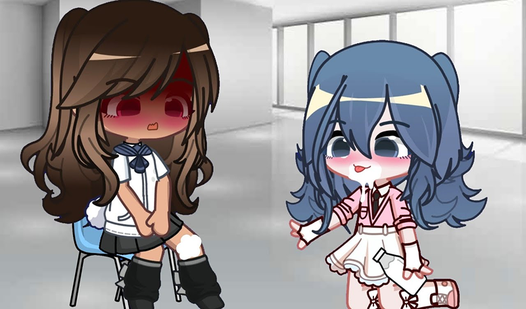
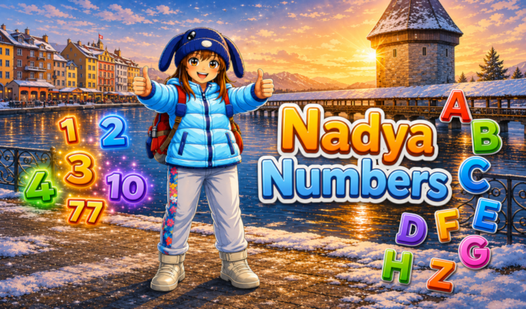
- Swiss storytelling: Nadya shares her home country story between levels. It adds a nice bit of flavor.
- Auto-save tech: Your progress sticks around even if you close the tab. You won't lose your spot.
How to Play
Mastering Nadya Numbers controls
To learn how to play Nadya Numbers, just use your mouse to click or your keyboard arrows and WASD keys. It is simple stuff. You need to keep your eyes peeled for the numbers popping up on screen. A common mistake is clicking too fast before the prompt appears, which messes up your score.
Nadya Numbers: local co-op tips
Grab a friend for the two-player mode on one screen. You will have to coordinate your moves to clear the boards. It gets chaotic when you both start clicking at once. Stick with it because the later puzzles demand some real focus if you want to see the ending.
Who Should Play Nadya Numbers?
Frequently Asked Questions about Nadya Numbers
Can I play Nadya Numbers on my phone?
Yes, it works on mobile devices with simple one-tap controls. You just open it in your browser and start playing for free.
Does Nadya Numbers have multiplayer?
It features a local two-player mode on a single screen. You can use the keyboard to play with a friend right next to you.
Is Nadya Numbers free to play?
Yes, Nadya Numbers is completely free to play on Nub Games. There are no in-app purchases. No download or registration required.
Can I play Nadya Numbers on mobile?
Nadya Numbers works on both desktop and mobile devices. Best played in landscape mode.
What age rating is Nadya Numbers?
Nadya Numbers has a content rating of 0++. It is suitable for all ages.