




Key Features
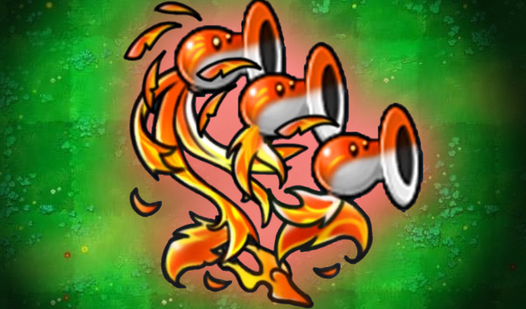
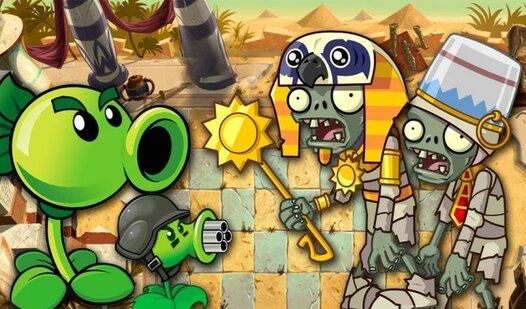
- Grid-based tactics: Every slot on the field matters. Place your units poorly and the horde will walk right past your defense.
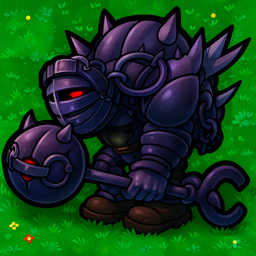
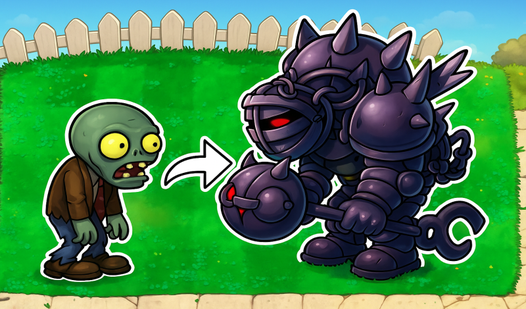
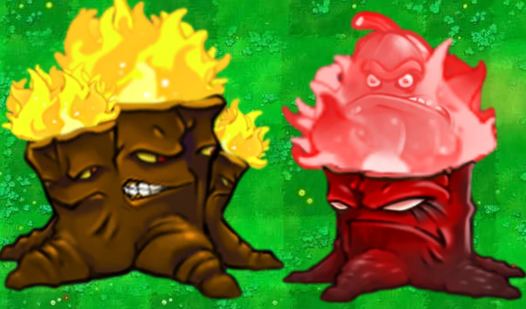
- Chain evolution: Upgrading creates higher-tier units. It turns a weak army into a wall of force.
- Wave progression: Enemies get faster with every round. You need to keep up the pace or get crushed.
- Visual clarity: The units are easy to distinguish at a glance.
How to Play
Zombies from fusion mod: The basics
Use your mouse or tap the screen to place units on the grid. Tap two identical ones to upgrade them into a stronger form. This is how to play Zombies from fusion mod efficiently. If you hoard low-level units, you will lose within seconds. The Zombies from fusion mod controls are simple enough for anyone.
Zombies from fusion mod: Managing the chaos
The biggest mistake is ignoring the placement order. Stick your heavy hitters near the front to soak up damage. Keep an eye on the incoming spawn timer. If you wait until the last second to upgrade, your line will break. Later levels get brutal and require perfect timing to clear.
Who Should Play Zombies from fusion mod?
Frequently Asked Questions about Zombies from fusion mod
Can I play Zombies from fusion mod on my phone?
Yes, it works perfectly on mobile browsers. You just tap to drag your units around the screen instead of using a mouse.
How do you upgrade units in Zombies from fusion mod?
You just drop one unit on top of another matching one. They pop into a higher tier instantly, which is necessary to survive the later waves.
Is Zombies from fusion mod free to play?
Yes, Zombies from fusion mod is completely free to play on Nub Games. There are no in-app purchases. No download or registration required.
Can I play Zombies from fusion mod on mobile?
Zombies from fusion mod works on both desktop and mobile devices. Best played in landscape mode.
What age rating is Zombies from fusion mod?
The catalog age rating for Zombies from fusion mod is 6+.