











Key Features
- Sharpened Blade Physics: The tool tracks your movement with surprising weight. You can feel the tension as you try to round out those tight corners.
- Custom Paint Jobs: Every finished figure gets a color. It adds a nice touch of flair to your workshop shelf.
- Profit Scaling: Better cuts mean more money. Use those funds to unlock the next set of patterns.
- Endless Workshop: The game keeps throwing new shapes at you. It never really ends, which is great for short sessions.
How to Play
Mastering Wood Cut 3D controls
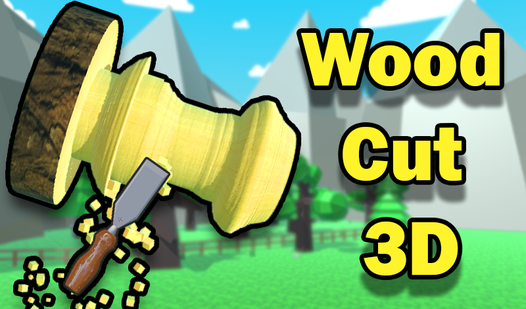
Use your mouse or screen tap to guide the blade along the dotted lines. Wood Cut 3D controls feel a bit slippery at first, so keep your movements controlled. Dragging too quickly usually ruins the symmetry of your piece. Take your time to align the tool before you commit to the cut.
How to play Wood Cut 3D like a pro
Focus on the corners to avoid jagged edges that drop your payout. Once the shape is finished, you get to slap some paint on it. Don't worry if you mess up a simple figure; the cash you earn keeps the progress moving. Later levels get cramped, making precision a nightmare.
Who Should Play Wood Cut 3D?
Frequently Asked Questions about Wood Cut 3D
Can I play Wood Cut 3D on my phone?
Yes, you can play on your phone or tablet. The touch interface works fine for dragging the blade across the wooden blocks.
How do you earn more cash in Wood Cut 3D?
You earn more money by making precise cuts that match the template. Avoid going off-path, as the game penalizes sloppy work with lower payouts.
Is Wood Cut 3D free to play?
Yes, Wood Cut 3D is completely free to play on Nub Games. There are no in-app purchases. No download or registration required.
Can I play Wood Cut 3D on mobile?
Wood Cut 3D works on both desktop and mobile devices. Best played in portrait mode.
What age rating is Wood Cut 3D?
The catalog age rating for Wood Cut 3D is 6+.