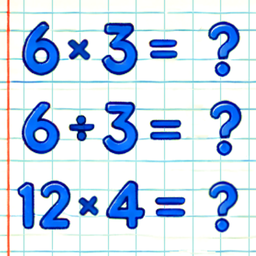
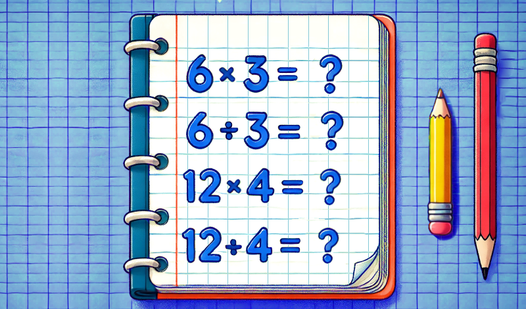








Key Features
- Flexible Multipliers: Select multipliers ranging from x1 up to x30. This allows you to customize the difficulty to match your current skill level.
- Three Solving Modes: Choose between input, game, or test modes. Each changes how you interact with the math problems to keep your brain training session focused.
- Exam Difficulty: Progress through easy, medium, and hard levels. These exams check your overall knowledge of the table.
How to Play
Multiplication Table Training: Selecting your mode
Decide how to play Multiplication Table Training by picking a training style. You can choose to enter values, pick yes or no, or fill in a missing digit. Use the input mode if you want to test your memory recall for specific multipliers up to x30.
Track progress in Multiplication Table Training
Head to the statistics section to review your accuracy. This tracks how many examples you solve and identifies your correct answers. If you mess up, look at the totals to see where you need more practice.
Who Should Play Multiplication Table Training?
Frequently Asked Questions about Multiplication Table Training
Can I play Multiplication Table Training on my phone?
Yes, this game is supported on both desktop and mobile devices. You can access it through your browser on either platform.
How do I check my progress in Multiplication Table Training?
You can view your statistics in the dedicated section of the game. It displays the total number of examples solved and your correct answer count.
Is Multiplication Table Training free to play?
Yes, Multiplication Table Training is completely free to play on Nub Games. There are no in-app purchases. No download or registration required.
Can I play Multiplication Table Training on mobile?
Multiplication Table Training works on both desktop and mobile devices. Best played in portrait mode.
What age rating is Multiplication Table Training?
The catalog age rating for Multiplication Table Training is 0+.