








Key Features
- Tactical Headshots: The new hit detection makes landing clean shots feel brutal. You’ll know exactly when you’ve outplayed someone.
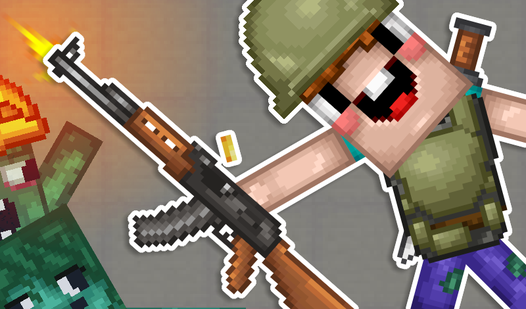
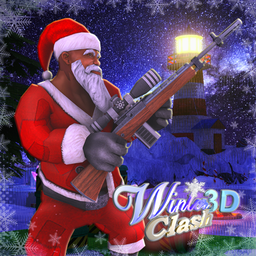
- Santa’s Arsenal: The automatic shotgun wreaks havoc in tight corridors. It is the best way to handle groups.
- Magic Boots: These boost your movement speed significantly. Use them to flank enemies or escape a bad situation.
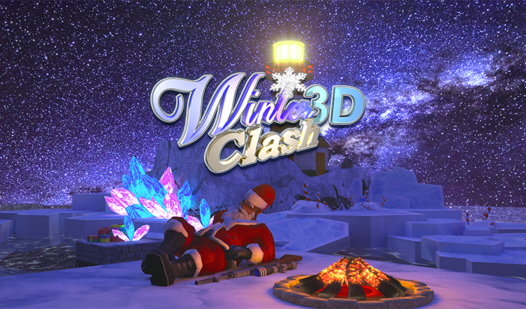
- Lighthouse Arena: The map is a deserted island setup. It forces intense 1v1 encounters near the idol.
How to Play
Mastering Winter Clash 3D movement
Use WASD to navigate the lighthouse island and space to jump over obstacles. Learning the Winter Clash 3D controls is straightforward, but don't sprint blindly into the open. You will get shredded by enemy fire before you even spot the target. Always keep your movement erratic to avoid easy headshots.
How to play Winter Clash 3D properly
Use the right-click to aim down your sights for those crucial long-range picks. You need to grab the health bonuses scattered around the map to stay in the fight. A common mistake is ignoring the automatic shotgun; it’s messy, but it clears a room faster than your starting rifle ever could.
Who Should Play Winter Clash 3D?
Frequently Asked Questions about Winter Clash 3D
Can I play Winter Clash 3D on my phone?
Yes, it runs on mobile devices using an on-screen joystick and auto-fire mechanics. You won't need a controller to handle the action on the go.
How do you heal in Winter Clash 3D?
You need to run over the glowing green health bonuses scattered across the map. There is no passive health regeneration, so you have to move to survive.
Is Winter Clash 3D free to play?
Yes, Winter Clash 3D is completely free to play on Nub Games. There are no in-app purchases. No download or registration required.
Can I play Winter Clash 3D on mobile?
Winter Clash 3D works on both desktop and mobile devices. Best played in none mode.
What age rating is Winter Clash 3D?
The catalog age rating for Winter Clash 3D is 12+.