

















Key Features
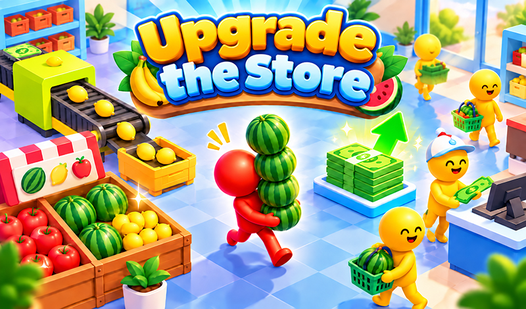
- Production and stocking: Approach workstations to manufacture products and transport the finished items to shelves for shoppers.
- Customer purchases: Shoppers browse the store, pick up the items they want, and leave behind in-game currency.
- Facility upgrades: Reinvest earned funds into upgrading your equipment and opening up new sections of the shop.
How to Play
Move with the mouse and on-screen joystick
Use your mouse to operate the on-screen joystick and steer your character around the store.
Move with the on-screen joystick
Touch and drag the on-screen joystick to direct your character across the shop.
Produce and deliver goods
Walk up to production facilities to start manufacturing items, pick up the finished products, and bring them to the counter and shelves.
Collect currency and expand
Allow customers to grab merchandise and leave in-game currency, then spend your earnings to upgrade equipment, boost production, and unlock new areas.
Frequently Asked Questions about Upgrade the Store
How do you earn in-game currency?
Make items at production facilities, set them on the shelves or counter, and let customers pick them up and leave payments.
What can you spend in-game currency on?
You can spend it to upgrade store equipment, unlock new areas, and increase your production output.
Is Upgrade the Store free to play?
Yes, Upgrade the Store is free to play on Nub Games. Optional in-app purchases are available. No download or registration required.
Can I play Upgrade the Store on mobile?
Upgrade the Store works on both desktop and mobile devices. Best played in portrait mode.
What age rating is Upgrade the Store?
The catalog age rating for Upgrade the Store is 6+.