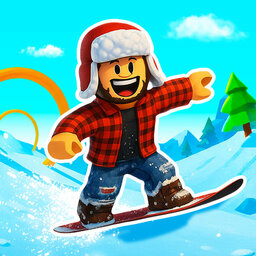
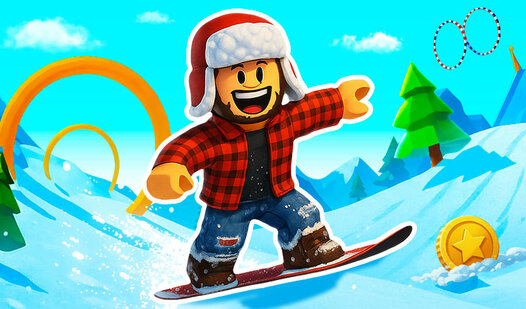












Key Features
- Tight Physics: The board has real weight. You must counter-steer mid-air or you will faceplant into the abyss.
- Double Jump: This is your lifesaver. Use it to salvage a botched approach.
- Cold Aesthetic: Everything is white and blue. It helps you focus on the red markers.
- Gear Unlocks: You earn new boards by finishing runs. They look cooler.
How to Play
Snow Rider Obby Parkour: Mastering Movement
Learning how to play Snow Rider Obby Parkour requires quick fingers. Use WASD or the arrow keys to steer your board, but keep your eyes on the next platform. Many players fail because they jump too early. Timing your double jump is the only way to clear those massive, icy gaps.
Snow Rider Obby Parkour controls and physics
The Snow Rider Obby Parkour controls feel a bit slippery at first, almost like you are gliding on actual ice. Do not panic. Just tap the jump button twice to gain extra height when the track dips. You will eventually get a feel for the weight of the board on these simulator courses.
Who Should Play Snow Rider Obby Parkour?
Frequently Asked Questions about Snow Rider Obby Parkour
Can I play Snow Rider Obby Parkour on my phone?
Yes, you can play on mobile devices using the touchscreen. The interface shifts to simple taps, which actually makes some of the trickier jumps feel much more manageable.
How do you respawn in Snow Rider Obby Parkour?
If you wipe out, just hit the R key on your keyboard. It resets you to the last checkpoint instantly so you can get back to failing that jump again.
Is Snow Rider Obby Parkour free to play?
Yes, Snow Rider Obby Parkour is completely free to play on Nub Games. There are no in-app purchases. No download or registration required.
Can I play Snow Rider Obby Parkour on mobile?
Snow Rider Obby Parkour works on both desktop and mobile devices. Best played in landscape mode.
What age rating is Snow Rider Obby Parkour?
The catalog age rating for Snow Rider Obby Parkour is 6+.