








Key Features
- Grid Logic: The board layout forces you to plan two steps ahead. You will regret moving a tile too early.
- Color Feedback: Tiles glow when they lock into the correct sequence. It stops you from guessing blindly.
- Geometric Scaling: The shapes shift as you progress. It gets ugly.
- Minimalist Design: There is no fluff here. Just you and the board.
How to Play
Master the Slide controls
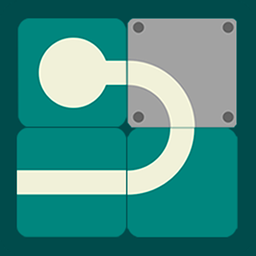
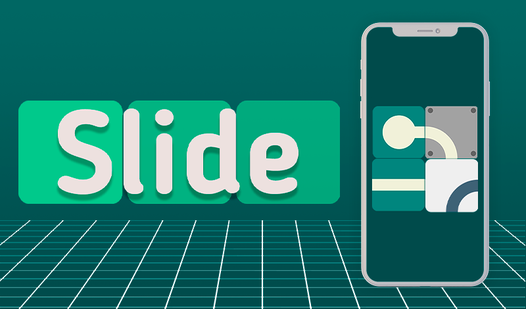
To learn how to play Slide, use your mouse to click and drag tiles into their correct positions. The goal is to form one continuous line flowing from the start to the finish point. Just watch out for the fixed blocks. They block your path and force you to think ahead.
Advanced Slide tactics
Your biggest issue will be the fixed elements. They stay put while you move everything else around them. If you get stuck, try resetting the board to clear your head. The real challenge shows up when you reach the later stages where the path requires some serious mental gymnastics to complete.
Who Should Play Slide?
Frequently Asked Questions about Slide
How many levels does Slide have?
The game features 50 distinct levels that ramp up in complexity. You will need to keep your focus sharp to beat the final few.
Can I play Slide on my phone?
Yes, it works on mobile browsers just as well as desktop. You can tap and drag the tiles to build your path on the go.
Is Slide free to play?
Yes, Slide is completely free to play on Nub Games. There are no in-app purchases. No download or registration required.
Can I play Slide on mobile?
Slide works on both desktop and mobile devices. Best played in portrait mode.
What age rating is Slide?
The catalog age rating for Slide is 0+.