











Key Features
- Hamster clicker engine: The hamster is your primary source of revenue. Tapping him fast enough keeps the lights on while you organize the store.
- Inventory management chaos: Stocking shelves forces you to choose between cheap snacks or expensive electronics. You will definitely lose customers if the shelves stay empty.
- Level up progression: Your shop grows as you earn cash. Higher levels unlock weird items that sell for way more money.
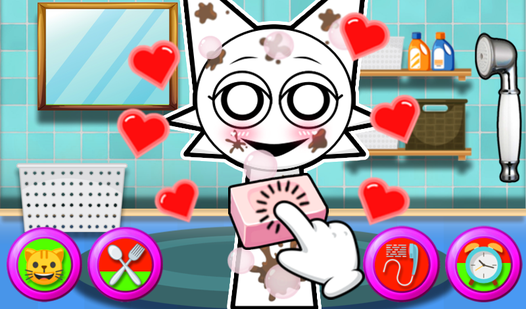
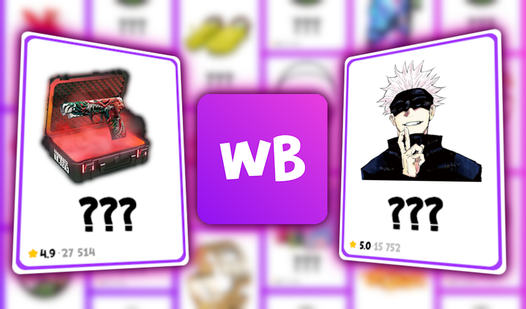
- Vivid aesthetic variety: The look shifts from anime vibes to horror themes. It keeps the visual grind from feeling stale during long sessions.
How to Play
Mastering the Shopping Simulator rhythm
Use your mouse or tap the screen to click that hamster. Every click generates cash for your store expansion. You need to learn how to play Shopping Simulator by balancing quick taps with steady puzzle solving. It gets frantic when the shop gets busy, so keep your rhythm consistent to avoid losing momentum.
Shopping Simulator controls and upgrades
The Shopping Simulator controls are simple enough that your hand might cramp, but the upgrades are worth it. You purchase new shelves and stock them to boost your income levels. A common mistake is buying too many cheap items early instead of saving for high-level stock that generates passive cash.
Surviving the Shopping Simulator grind
Once you clear the early shelves, the game throws harder puzzles at you to unlock premium inventory. It gets messy when you have to juggle inventory and customer service at the same time. Don't expect a walk in the park once you hit the later stages of the store.
Who Should Play Shopping Simulator?
Frequently Asked Questions about Shopping Simulator
Can I play Shopping Simulator on my phone?
Yes, it works on mobile devices as well as desktop. You can tap the hamster on your touchscreen just as easily as you would with a mouse.
What are the controls for Shopping Simulator?
You just need your mouse or a single finger. Click the hamster to earn money, then tap on the shelves to buy and restock your inventory.
What games are similar to Shopping Simulator?
If you like the idle grind, try Mine - Online for resource gathering. For more chaotic movement, check out Obby but You're on a Bike.
Is Shopping Simulator free to play?
Yes, Shopping Simulator is completely free to play on Nub Games. Optional in-app purchases are available. No download or registration required.
Can I play Shopping Simulator on mobile?
Shopping Simulator works on both desktop and mobile devices. Best played in portrait mode.
What age rating is Shopping Simulator?
The catalog age rating for Shopping Simulator is 6+.