





Key Features
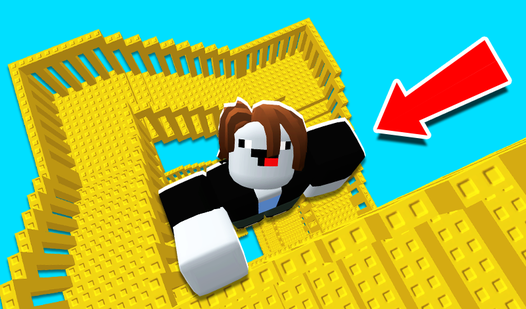
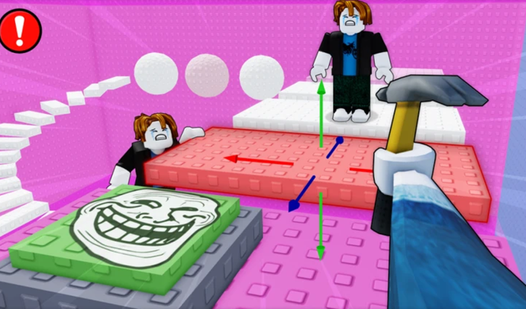
- Tower Challenge: Race real people to the top of the structure. You either make it to the winner's circle or fall back to the start.
- Silly Customization: Pick from a bunch of weird outfits for your character. It does not change your stats, but you look great while failing.
- Daily Loot: Check your inventory for free coins and items every time you log in. It keeps your stash growing for new gear.
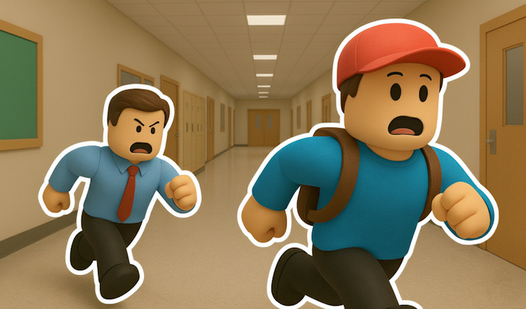
- School Maps: Navigate through different wings of the building, each with unique hazards. Some floors are slippery, while others have disappearing platforms.
How to Play
School Escape: Mastering the basics
Use WASD or your Arrow Keys to move your student across the floor. You need to time your jumps with the Space bar to clear desks and scattered books. Learning the School Escape controls takes a minute, but do not hold the forward key down constantly. You will overshoot every single landing.
How to play School Escape with speed
Once you understand how to play School Escape, start looking for the fastest lines through each room. The traps look predictable, but the hitboxes are tighter than they appear. If you rush, you will definitely mess up and restart. Keep a cool head until you hit the exit gate.
Who Should Play School Escape?
Frequently Asked Questions about School Escape
Does School Escape have multiplayer?
Yes, you can race against other players in real time. It is a total bloodbath in the Tower of Hell mode since everyone is fighting for the top spot.
What games are similar to School Escape?
If you want more platforming, try Obby: Escape from Barry Prison or check out the chaos in Obby: Brainrot Train Chase.
Is School Escape free to play?
Yes, School Escape is completely free to play on Nub Games. There are no in-app purchases. No download or registration required.
Can I play School Escape on mobile?
School Escape is currently available on desktop only. Best played in landscape mode.
What age rating is School Escape?
School Escape has a content rating of 0++. It is suitable for all ages.