











Key Features
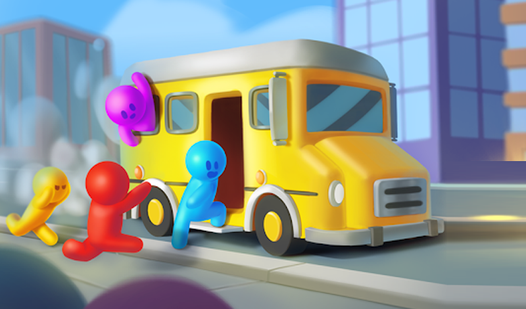
- Color Coordination: Sorting passengers by color keeps the lot moving. You have to watch the HUD closely.
- Capacity Management: Choosing between a car, minivan, or bus changes your strategy. You need to balance speed against the size of the crowd.
- Gridlock Prevention: The lot gets packed fast. Clear the lanes or face a total traffic jam.
- Visual Cues: The colors are bright and easy to spot. It helps when you are speedrunning through the levels.
How to Play
Mastering School Bus parking controls
Use your mouse to drag passengers to the waiting vehicles. School Bus parking controls rely on clicking the right gate and dropping them into the matching color slot. Don't rush your clicks. You will overfill a vehicle and waste time if you aren't paying attention to the capacity limits.
Strategy for School Bus parking
Learn how to play School Bus parking by prioritizing the buses first. They hold ten people, which clears the platform faster than small cars. A common mistake is ignoring the color-coding, which locks the vehicle until you fix the error. The later levels get cramped, making it hard to find space.
Who Should Play School Bus parking?
Frequently Asked Questions about School Bus parking
How do you manage vehicle capacity in School Bus parking?
You must drag the correct number of passengers to match the vehicle type. Buses take ten, minivans hold six, and cars only fit four people.
Can I play School Bus parking on my phone?
Yes, it works on mobile browsers just as well as on desktop. You can tap the screen to drag your passengers to the buses.
Is School Bus parking free to play?
Yes, School Bus parking is completely free to play on Nub Games. Optional in-app purchases are available. No download or registration required.
Can I play School Bus parking on mobile?
School Bus parking works on both desktop and mobile devices. Best played in portrait mode.
What age rating is School Bus parking?
The catalog age rating for School Bus parking is 6+.