








Key Features
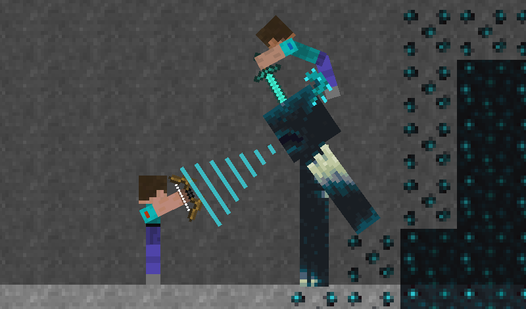
- Chaos physics: Objects react to gravity and heat in real time. One misplaced spark ruins your entire structure.
- Creative freedom: You can build anything from simple steam machines to complex obstacle courses. The limit is just your patience.
- Screenshot sharing: Save your weirdest experiments as images. It makes showing off your progress to friends much simpler.
- Custom materials: Change the size of your ingredients. Big blocks of water create massive floods.
How to Play
Sandbox: The basics
Click and drag to select your elements from the bottom menu. You use your mouse or tap to place materials on the workspace. This is how to play Sandbox. Just keep in mind that the physics are occasionally a bit glitchy if you stack too many objects in one spot.
Mastering Sandbox controls
Use the Sandbox controls to erase, move, or rotate your creations. You need to keep your cursor steady when placing delicate items like weights or balls. If you move too fast, the physics engine might freak out and send your design flying off the screen. Watch out for that.
Who Should Play Sandbox?
Frequently Asked Questions about Sandbox
Can I play Sandbox on my phone?
Yes, you can run the game on your mobile device through your browser. The touch interface works well, though small screens make placing tiny pixels a bit of a headache.
How do you create steam in Sandbox?
Place water on the screen and then drop fire directly onto it. The two elements will react immediately to produce steam clouds that float upward.
Is Sandbox free to play?
Yes, Sandbox is completely free to play on Nub Games. There are no in-app purchases. No download or registration required.
Can I play Sandbox on mobile?
Sandbox works on both desktop and mobile devices. Best played in portrait mode.
What age rating is Sandbox?
The catalog age rating for Sandbox is 0+.