

















Key Features
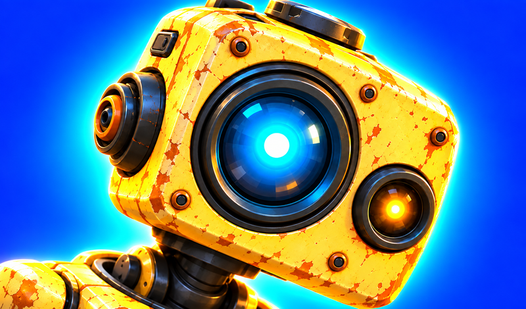
- Mechanical characters: Interact with a cast of robots that each require different repair jobs, ranging from single components to full rebuilds.
- Collection tab: Repairing a robot for the first time reveals its collection card, which provides information about its personality and can be viewed in the Collection tab.
How to Play
Navigate the conveyor
On a computer, hold the left mouse button on the conveyor and drag sideways. On a phone, swipe the belt left or right.
Find and attach parts
Check the parts list above the conveyor to identify what the robot needs. Click or tap a matching component to send it into place. If a job requires several copies of the same part, select each one individually.
Refill the tray
Scroll an empty tray off the screen to refill it with new parts.
Complete the repair
Once all required pieces are attached, let the assembly finish and select Next robot to continue.
Who Should Play Rusties?
Frequently Asked Questions about Rusties
What happens if I cannot find the right part?
Useful parts come around on the conveyor again, so you can take your time to look and choose the correct items.
Is Rusties free to play?
Yes, Rusties is free to play on Nub Games. Optional in-app purchases are available. No download or registration required.
Can I play Rusties on mobile?
Rusties works on both desktop and mobile devices. Best played in portrait mode.
What age rating is Rusties?
The catalog age rating for Rusties is 6+.