Key Features
- Magic Eye: This tool reveals hidden cards at a glance. It saves your run when you are staring at a mystery pile.
- Wizard Moves: The wizard pulls any card from the table. Use this sparingly if you want to keep your score high.
- Auto-Complete: Finishing games is faster once the hard work is done. It clears the board once you have clearly won.
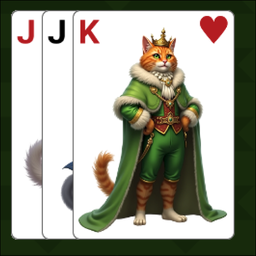
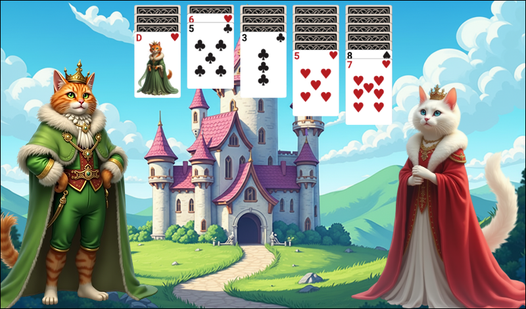
- Royal Aesthetic: The art style is charming, though the buttons feel a bit small on mobile screens. It looks like a scrapbook.
How to Play
Royal Klondike Solitaire: The Basics
To learn how to play Royal Klondike Solitaire, focus on the seven piles. You drag cards with your mouse or tap them on your screen. Royal Klondike Solitaire controls are simple, but don't rush. Placing a red card on a black one is the only way to move forward.
Royal Klondike Solitaire: Managing the Deck
Click the top-left pile to draw new cards. If you get stuck, use the hint button. A common mistake is burning through your deck too early. Save those moves for when you are truly desperate. The later stages get chaotic, so keep your eyes peeled for hidden chains.
Who Should Play Royal Klondike Solitaire?
Frequently Asked Questions about Royal Klondike Solitaire
How do you use the Wizard Move in Royal Klondike Solitaire?
Just click the wizard icon in the interface to pull a card. It consumes a charge, so only use it when you are backed into a corner.
Can I play Royal Klondike Solitaire on my phone?
Yes, it works on mobile devices through your web browser. The layout adjusts to your screen, though you might need to zoom in a bit.
Is Royal Klondike Solitaire free to play?
Yes, Royal Klondike Solitaire is completely free to play on Nub Games. Optional in-app purchases are available. No download or registration required.
Can I play Royal Klondike Solitaire on mobile?
Royal Klondike Solitaire works on both desktop and mobile devices. Best played in landscape mode.
What age rating is Royal Klondike Solitaire?
The catalog age rating for Royal Klondike Solitaire is 0+.