















Key Features
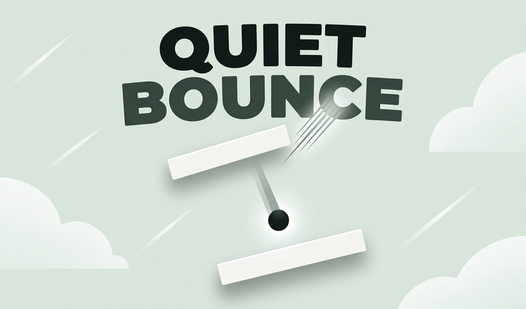
- Level Progression: The game includes 500 levels organized into 10 chapters that unlock in order.
- Customization: The atelier offers 7 themes and 10 balls with various trails that can be unlocked using points or by watching videos.
- Level Management: Completed levels can be replayed and previewed in the collection, and video options are available to open chapters or specific levels.
- Accessibility: The game includes hints, save features, and support for six languages.
How to Play
Aiming and Shooting
Press in empty space, drag your finger or mouse toward the target, and release to shoot. A short tap places the ball, and a second tap determines its direction.
Clearing Targets
Clear all white shapes and strings in one attempt. White shapes vanish upon contact, while double-hit white targets require two contacts to clear.
Navigating Obstacles
Use teal portals to transport the ball, violet prisms to split it, and golden lenses to bend its path. Avoid burgundy voids, which absorb the ball.
Controls
Use the R key to restart, the space bar to pause, and the Esc key to open or close the menu.
Who Should Play Quiet Bounce?
Frequently Asked Questions about Quiet Bounce
What happens if I fail a level?
If you lose every ball or start another shot, the shapes are restored.
Do all black shapes remain on the field?
Ordinary black shapes remain, but cracked black walls break after one bounce.
How do I earn points?
First clears of levels earn cosmetic points.
Is Quiet Bounce free to play?
Yes, Quiet Bounce is free to play on Nub Games. Optional in-app purchases are available. No download or registration required.
Can I play Quiet Bounce on mobile?
Quiet Bounce works on both desktop and mobile devices.
What age rating is Quiet Bounce?
The catalog age rating for Quiet Bounce is 0+.