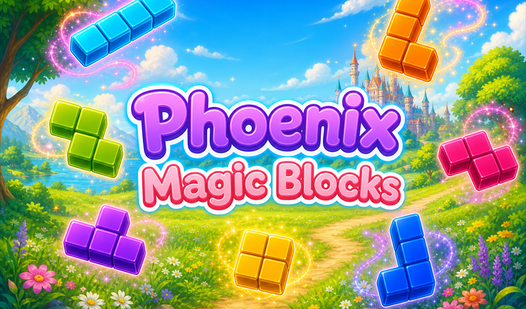


















Key Features
- Magic Power-ups: Special items appear to assist your progress. These help you manage the board when the shapes become difficult to stack.
- Classic Mode: Disable all magic elements for a traditional experience. This removes power-ups to provide an unadulterated test of your stacking skills.
- Adjustable Difficulty: Select from a range of speeds starting at chill and moving toward extreme. This alters the speed of falling pieces.
- Shadow Toggle: Switch off the falling piece shadow in settings. Removing this visual aid makes every placement significantly harder to judge.
How to Play
How to play Phoenix: Magic Blocks effectively
To score big, you must clear multiple lines simultaneously. This is how to play Phoenix: Magic Blocks with a focus on efficiency. Use the arrow keys on your desktop to move and rotate shapes. Dropping them into tight gaps quickly boosts your total points before the stack hits the top.
Phoenix: Magic Blocks controls for mobile
On phones and tablets, you rely on the on-screen buttons positioned below the game grid. Tap the arrows to move your pieces and the rotation button to align them. Speeding up the fall with the down arrow helps you reach the bottom faster when you spot a perfect landing.
Who Should Play Phoenix: Magic Blocks?
Frequently Asked Questions about Phoenix: Magic Blocks
Can I play Phoenix: Magic Blocks on my phone?
Yes, Phoenix: Magic Blocks supports mobile devices. You can use the on-screen buttons provided below the game field to control your falling pieces while playing on a tablet or phone.
What are the Phoenix: Magic Blocks controls for PC?
On a desktop, use the arrow keys to move, rotate, and speed up pieces. Press the spacebar for a hard drop and the P key to pause the game.
Is Phoenix: Magic Blocks free to play?
Yes, Phoenix: Magic Blocks is free to play on Nub Games. No download or registration required.
What age rating is Phoenix: Magic Blocks?
The catalog age rating for Phoenix: Magic Blocks is 6+.