






Key Features
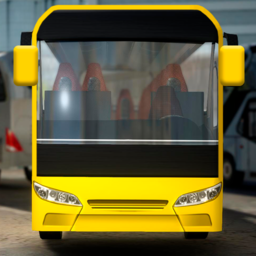
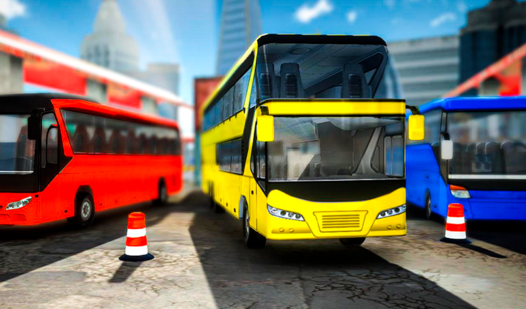
- Heavyweight Physics: The buses feel properly massive. You have to account for that rear overhang or you will clip every single curb.
- Camera Versatility: Switching views helps you spot those invisible hitboxes. It makes tight maneuvers much easier.
- Color Customization: Pick one of six colors. It does not change the handling, but at least you look sharp while failing.
- Pointer Logic: The F key toggle saves you from getting lost. It is a lifesaver on the more complex, maze-like stages.
How to Play
Mastering Park the Bus steering
Use WASD or arrow keys to navigate your bus into the marked zone. Park the Bus controls feel heavy, so expect to wide-turn around corners. The biggest mistake is trying to take turns at full speed. You will almost certainly slam into a wall if you do not brake early.
Park the Bus: Pro tips
Press TAB to toggle reverse when you get stuck in a tight spot. Use C to swap camera angles if you cannot see your rear bumper. Once you learn how to play Park the Bus, hit F to reveal the target pointer. Later levels include narrow gaps that test your patience.
Who Should Play Park the Bus?
Frequently Asked Questions about Park the Bus
How do you reverse in Park the Bus?
Simply tap the TAB key to shift your bus into reverse. You will need this constantly to align with the parking slots in the later, tighter levels.
How many levels does Park the Bus have?
There are 30 levels total. The difficulty curve is decent until you hit the final stretch, where the parking spaces become genuinely annoying to reach.
Is Park the Bus free to play?
Yes, Park the Bus is completely free to play on Nub Games. There are no in-app purchases. No download or registration required.
Can I play Park the Bus on mobile?
Park the Bus is currently available on desktop only. Best played in landscape mode.
What age rating is Park the Bus?
The catalog age rating for Park the Bus is 6+.