







Key Features
- High-stakes timing: The five-minute timer creates a panic that makes simple jumps feel impossible. You have to balance speed with careful observation.
- Custom character builds: Pick your own number and skins to stand out. It adds a bit of personality.
- Six brutal maps: Each map forces you to adjust your strategy. You will find that later levels are far less forgiving than the start.
- Browser-based action: This runs for free directly in your window.
How to Play
Obby: Squid Game: Mastering Movement
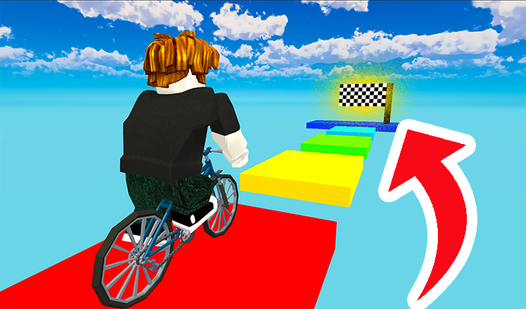
To learn how to play Obby: Squid Game, you need to get comfortable with the WASD keys and spacebar. The Obby: Squid Game controls feel a bit floaty at first, so don't expect to turn on a dime. Keep your momentum steady to avoid sliding off the platforms during transitions.
Stop or perish in Obby: Squid Game
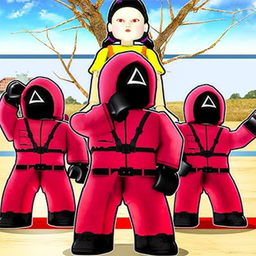
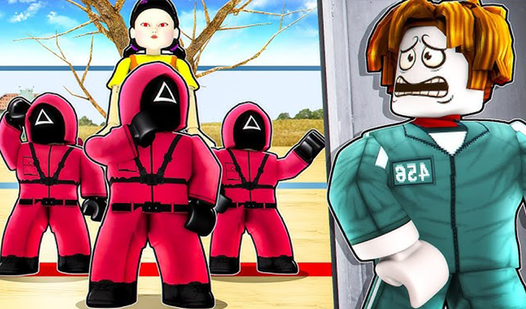
When the music stops, you must freeze immediately. Any movement while the light is red results in a total restart. A common mistake is holding the forward key too long, which causes your character to stumble past the safe zone. Stay patient and watch the doll's rhythm to survive the timer.
Who Should Play Obby: Squid Game?
Frequently Asked Questions about Obby: Squid Game
Can I play Obby: Squid Game on my phone?
Yes, the game is fully playable on mobile devices. You just tap the screen to move your character, though the touch controls take a moment to get used to.
How many levels does Obby: Squid Game have?
There are six distinct maps to conquer. Each one introduces new layouts, so you have to learn the timing for every single environment to clear the entire set.
Is Obby: Squid Game free to play?
Yes, Obby: Squid Game is completely free to play on Nub Games. There are no in-app purchases. No download or registration required.
Can I play Obby: Squid Game on mobile?
Obby: Squid Game works on both desktop and mobile devices. Best played in landscape mode.
What age rating is Obby: Squid Game?
Obby: Squid Game has a content rating of 12++. Parental guidance may be recommended for younger players.