








Key Features
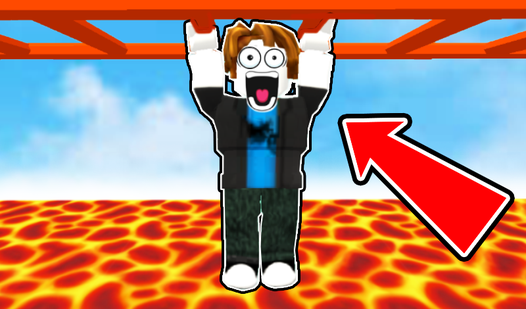
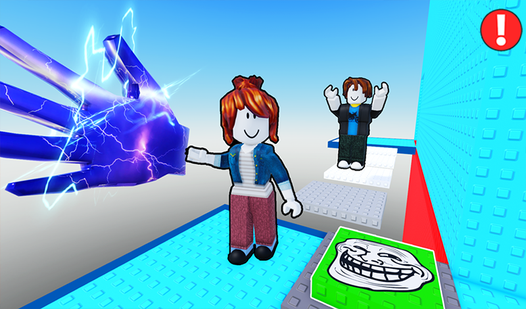
- Stiff Movement: The jumping arc feels heavy. You have to commit to every single trajectory before you leave the ledge.
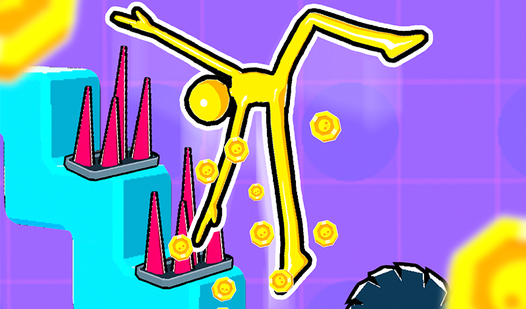
- Coin Grinding: Scattered currency lets you buy new looks. It gives you a reason to replay sections.
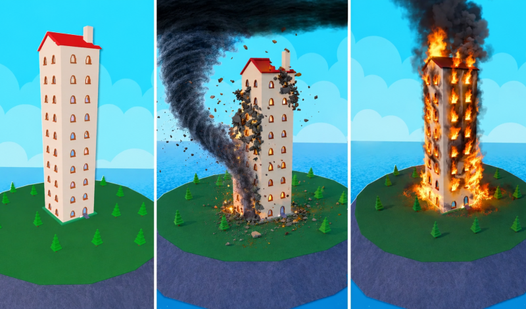
- Vertical Scaling: The tower never seems to end. Each floor introduces tighter platforms that demand absolute focus.
- Simple Visuals: The clean colors keep things readable. You will not get distracted by background noise.
How to Play
Obby Parkour: Tower: Mastering the basics
Learning how to play Obby Parkour: Tower starts with the basics. Use WASD to move and the space bar to jump. Check the settings for specific Obby Parkour: Tower controls if you are on mobile. A common mistake is holding the sprint key too long; you will overshoot every single landing.
Obby Parkour: Tower: Why the camera matters
Use your mouse to manage the camera constantly. If you do not look down before a leap, you will miss the platform entirely. Later stages get messy because the perspective shifts. Keep your cool when you fall, because the higher floors are an absolute nightmare if you start rushing your jumps.
Who Should Play Obby Parkour: Tower?
Frequently Asked Questions about Obby Parkour: Tower
Can I play Obby Parkour: Tower on my phone?
Yes, it works on mobile devices using your touchscreen. Use the on-screen joystick and tap the buttons to navigate through the tower levels without any issues.
What are the controls for Obby Parkour: Tower?
On desktop, use WASD to move and the space bar to jump. You can toggle your cursor with the right mouse button to manage your camera view.
Is Obby Parkour: Tower free to play?
Yes, Obby Parkour: Tower is completely free to play on Nub Games. There are no in-app purchases. No download or registration required.
Can I play Obby Parkour: Tower on mobile?
Obby Parkour: Tower works on both desktop and mobile devices. Best played in landscape mode.
What age rating is Obby Parkour: Tower?
The catalog age rating for Obby Parkour: Tower is 6+.