















Key Features
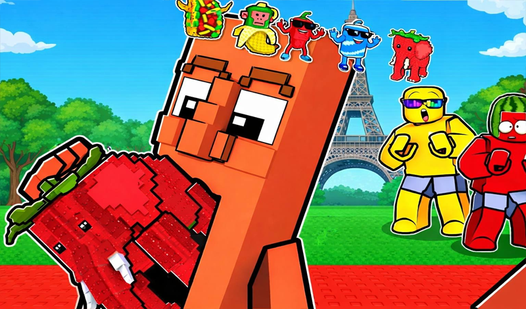
- Realistic 3D physics: The environment reacts to every movement. Crashes result in visible destruction that reflects the force of your impact.
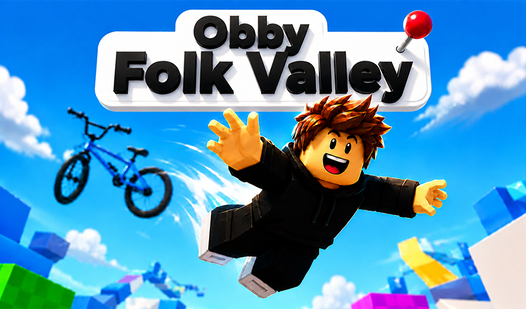
- Bike upgrade system: You can choose from nine different bikes. Higher tiers improve your speed and help you earn more cash.
- Character progression: Leveling your character increases your income from crashes. This allows you to afford faster bikes more often.
How to Play
Mastering Obby: Folk Valley movement
Use WASD on your keyboard or the left joystick on your mobile device to navigate the terrain. Understanding how to play Obby: Folk Valley means keeping your balance while you roll. If you move too fast without control, you will fail to clear the obstacles ahead.
Upgrading in Obby: Folk Valley
Every hit you take earns you in-game currency. Use these funds to level up your character or purchase one of the nine available bikes. Checking the Obby: Folk Valley controls helps you maneuver better, but the right upgrades provide the speed needed to survive the later, tougher sections.
Who Should Play Obby: Folk Valley?
Frequently Asked Questions about Obby: Folk Valley
Can I play Obby: Folk Valley on my phone?
Yes, the game is fully supported on mobile devices. You can move and jump using the on-screen joysticks and buttons provided in the interface.
What are the Obby: Folk Valley controls?
On PC, use WASD to move, Space to jump, and the right mouse button to manage your camera. Phone players use a left joystick for movement and a right joystick for the camera.
Is Obby: Folk Valley free to play?
Yes, Obby: Folk Valley is free to play on Nub Games. Optional in-app purchases are available. No download or registration required.
What age rating is Obby: Folk Valley?
The catalog age rating for Obby: Folk Valley is 12+.