







Key Features
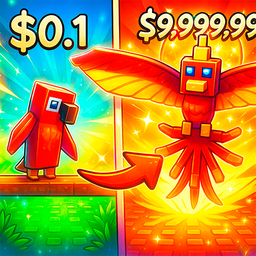
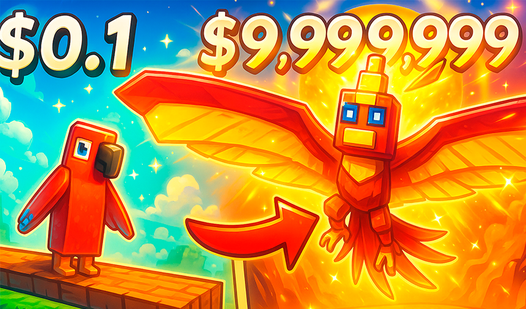
- Dynamic growth: Your pet physically expands as you feed it more fruit. It gets so big it starts blocking your own camera view.
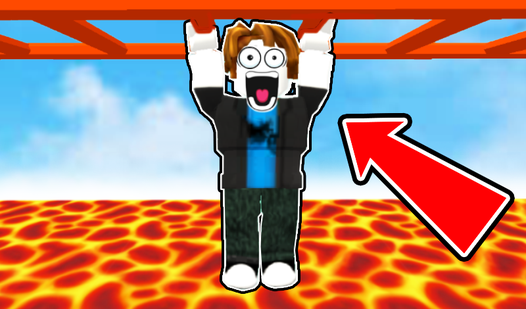
- Platforming focus: Every jump requires timing. Mess up and you reset.
- Coin accumulation: Hoard coins to unlock new skins. You need these to look good.
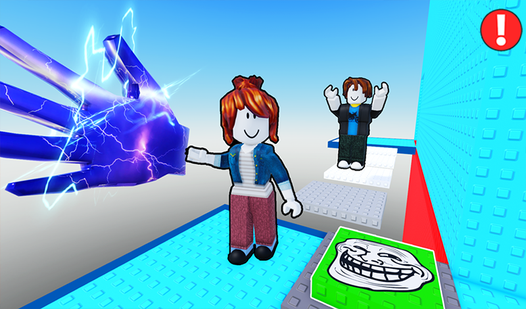
- Level progression: Obstacles get tighter as you advance. Expect to rage-quit once.
How to Play
Mastering Obby: Feed your pet! movement
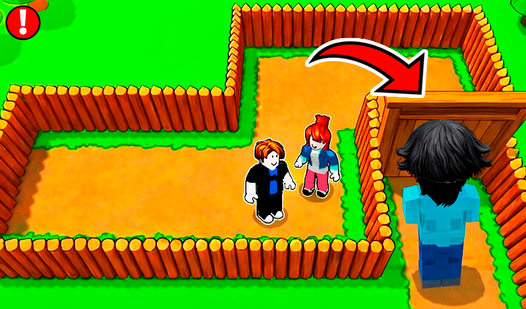
Use WASD or the joystick to navigate the course. Obby: Feed your pet! controls feel a bit floaty at first, so don't be surprised if you slide off the map. Take your time lining up jumps. One common mistake is holding the forward key while mid-air; you'll lose all your momentum.
How to play Obby: Feed your pet! effectively
Gather food items scattered across the platforms to boost your pet's growth. Feeding is the only way to level up. If you skip the fruit, you'll stay stuck at the start. Keep an eye on those later stages, because the gaps get massive and the penalty for falling is a total headache.
Who Should Play Obby: Feed your pet!?
Frequently Asked Questions about Obby: Feed your pet!
How do you feed your pet in Obby: Feed your pet!?
Just walk over the food items scattered on the map to collect them. Once you have enough, the game automatically applies them to your pet's growth meter.
Can I play Obby: Feed your pet! on my phone?
Yes, it works on mobile browsers using the on-screen joystick and touch controls. The camera pinch-to-zoom is a bit finicky, so keep your screen clean.
Is Obby: Feed your pet! free to play?
Yes, Obby: Feed your pet! is completely free to play on Nub Games. There are no in-app purchases. No download or registration required.
Can I play Obby: Feed your pet! on mobile?
Obby: Feed your pet! works on both desktop and mobile devices. Best played in landscape mode.
What age rating is Obby: Feed your pet!?
The catalog age rating for Obby: Feed your pet! is 6+.