







Key Features
- Gravity Shifting: Blocks drift across the screen while you aim. You have to predict their path or lose your combo.
- Earthquake Trigger: Panic button for when you get stuck. It reshuffles the entire board to give you a fresh shot.
- Kinetic Boosters: Laser lines cut through everything in their path. They turn a losing round into a total board clear.
- Ball Customization: Unlock new skins as you win. It adds a nice visual flair to your high-speed destruction runs.
How to Play
Neon Breaker: Mastering the Shot
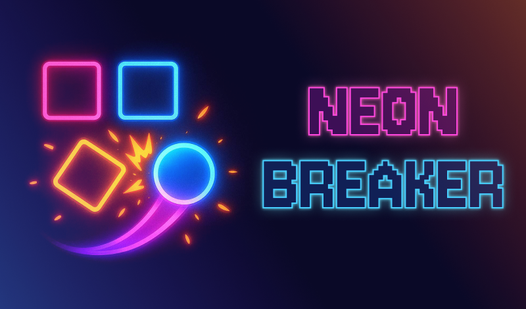
To learn how to play Neon Breaker, just tap and drag to set your aiming vector. Release to fire the ball. The Neon Breaker controls feel a bit slippery at first, so don't be surprised when you miss your target by a few pixels on your first dozen tries.
Neon Breaker: Tactical Destruction
Look for the gaps between bricks to send your ball into the back rows. This clears space faster than hitting the front wall repeatedly. Most players fail because they aim directly at the center block. Don't fall for that trap. Always calculate the rebound angle to hit multiple targets in one go.
Who Should Play Neon Breaker?
Frequently Asked Questions about Neon Breaker
Can I play Neon Breaker on my phone?
Yes, it works fine on mobile browsers. You just swipe your finger instead of clicking with a mouse to aim your shots.
How do you trigger the earthquake in Neon Breaker?
You just tap the earthquake icon when it glows on your screen. It’s a lifesaver when you have one annoying block left in a corner.
Is Neon Breaker free to play?
Yes, Neon Breaker is completely free to play on Nub Games. Optional in-app purchases are available. No download or registration required.
Can I play Neon Breaker on mobile?
Neon Breaker works on both desktop and mobile devices. Best played in portrait mode.
What age rating is Neon Breaker?
The catalog age rating for Neon Breaker is 0+.