








Key Features
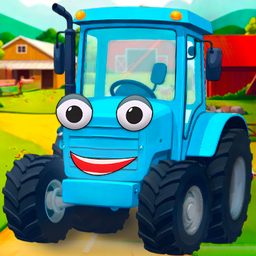
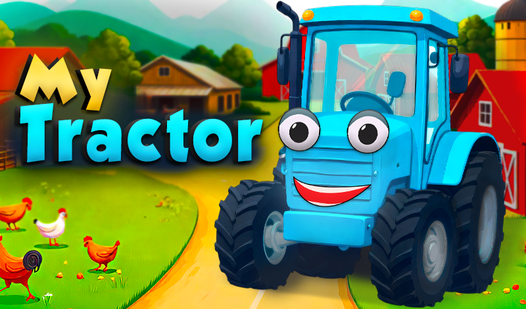
- Stiff handling: The tractor turns like a literal brick. This makes navigating tight corners a test of your patience.
- Crop cycles: Vegetables grow at their own pace. You have to balance your time between harvesting and managing new seeds.
- Barn expansion: Upgrading architecture changes the visual layout. It provides more space for high-value items.
- Daily grinding: Quests keep you moving. Completing them is the only way to unlock the high-tier farming gear.
How to Play
Mastering My Tractor controls
To learn how to play My Tractor, use your mouse or touch screen to steer your vehicle toward crops. Click to interact with the soil and harvest your bounty. Just keep in mind that the turning radius is a bit stiff. You will feel the weight of the machine immediately.
Why upgrade My Tractor?
Selling your harvest nets you the cash needed for barn improvements. Better storage means you can hold more goods, which leads to bigger paydays later. Don’t hoard your coins too long. Spending them early on better equipment makes the routine chores feel much less like a total slog.
Who Should Play My Tractor?
Frequently Asked Questions about My Tractor
Can I play My Tractor on my phone?
Yes, you can play this on mobile devices easily. The touch interface is responsive, making it a solid choice for quick sessions while you are away from your main computer.
How do you harvest crops in My Tractor?
Simply drive your tractor over the mature plants and click to trigger the collection. Watch your inventory count; if you skip a row, you lose out on potential profit.
Is My Tractor free to play?
Yes, My Tractor is completely free to play on Nub Games. Optional in-app purchases are available. No download or registration required.
Can I play My Tractor on mobile?
My Tractor works on both desktop and mobile devices. Best played in landscape mode.
What age rating is My Tractor?
The catalog age rating for My Tractor is 0+.