









Key Features
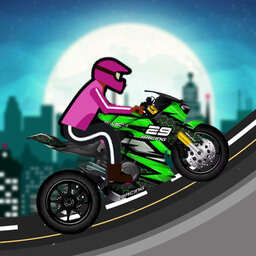
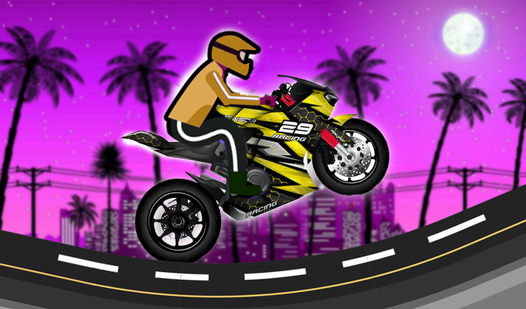
- Weighty physics: The bike feels heavy when you hit a bump. You have to lean back to stop from flipping over.
- Tight corners: Tracks twist through the urban skyline. Miss one turn and you are falling into the abyss below.
- Custom builds: Change your bike setup to handle different jumps. Some frames are better for speed, others for stability.
- Leaderboard chase: Post your fastest times for every track. The top spots are brutal to hold.
How to Play
Moto Bike City: Mastering the basics
To start, use the WASD keys to throttle and balance your bike. On mobile, just tap the on-screen buttons. You need to learn how to play Moto Bike City by keeping your momentum steady before hitting the ramps. Most players mess up because they try to jump too early.
Moto Bike City controls and physics
Your Moto Bike City controls feel a bit slippery at first, so try tapping the movement keys instead of holding them down. It helps you stay centered on those narrow beams. Don't worry about crashing into the city buildings. The real struggle is keeping your wheels on the track.
Who Should Play Moto Bike City?
Frequently Asked Questions about Moto Bike City
Can I play Moto Bike City on my phone?
Yes, it works on mobile browsers without any extra apps. Just use the touch buttons to control your bike's jump and speed while you move through the city.
What are the controls for Moto Bike City?
On your PC, you use WASD to move your bike across the tracks. Mobile players get simple buttons on the screen to handle all the jumps and navigation.
Is Moto Bike City free to play?
Yes, Moto Bike City is completely free to play on Nub Games. There are no in-app purchases. No download or registration required.
Can I play Moto Bike City on mobile?
Moto Bike City works on both desktop and mobile devices. Best played in landscape mode.
What age rating is Moto Bike City?
The catalog age rating for Moto Bike City is 12+.