











Key Features
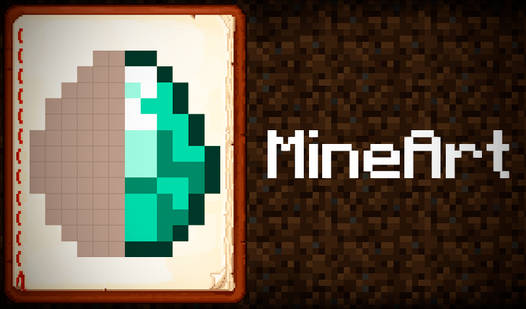
- Blocky Pixel Art: Every level transforms simple squares into recognizable objects. You watch the image materialize as you fill in the missing colors.
- Experience Progression: Completing a drawing adds to your total progress. It keeps you moving toward that final level.
- Visual Focus: The game highlights the exact spots you need to color next. It helps when you hit a wall.
- Minimalist UI: The menu stays out of your way. You get straight to the drawing without clicking through endless screens.
How to Play
MineArt: Mastering the Palette
Select your color from the top bar to start painting. Clicking pixelated areas fills them in instantly. Learn how to play MineArt by tapping or clicking to highlight the dark cells. A common mistake is clicking the wrong shade; check your color choice if nothing happens when you click.
Navigating MineArt Controls
Using MineArt controls is simple, but the hitboxes for the smaller pixels can be a bit finicky on mobile screens. Zoom in if you keep tapping the wrong block. Progress through the 27 levels to fill your experience bar. Later stages get cramped, so stay patient.
Who Should Play MineArt?
Frequently Asked Questions about MineArt
How many levels does MineArt have?
There are 27 levels total. You need to finish them all to max out your experience bar in the main menu.
Can I play MineArt on my phone?
Yes, it works fine on mobile devices. Just be prepared for the tiny pixels to be a bit annoying if you have fat fingers.
Is MineArt free to play?
Yes, MineArt is completely free to play on Nub Games. There are no in-app purchases. No download or registration required.
Can I play MineArt on mobile?
MineArt works on both desktop and mobile devices. Best played in portrait mode.
What age rating is MineArt?
The catalog age rating for MineArt is 0+.