







Key Features
- Star alignment: Collecting every star forces you to plan your pathing. You cannot just aim for the battery and hope for the best.
- Visual shifts: Backgrounds and laser colors swap as you progress. It keeps the aesthetic fresh while you focus on the logic.
- Brain training: You have to visualize the reflection angles before you click. It is a solid workout for your attention.
- Compact sessions: Each level is self-contained and quick to solve. It fits perfectly into those five-minute breaks between other games.
How to Play
Mastering Laser Overload basics
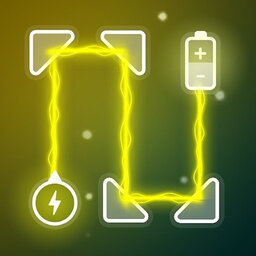
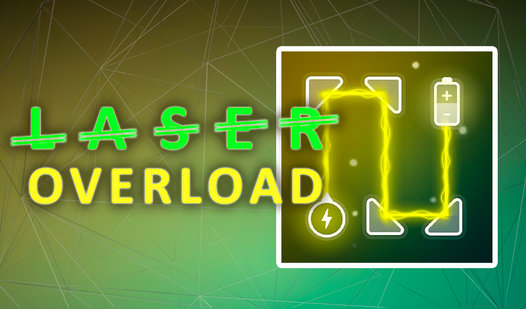
To learn how to play Laser Overload, just tap or click the rotating elements on your screen. The Laser Overload controls are simple enough, but you need to align the beam so it passes through every single star before hitting the target. If you miss one, that battery stays cold.
Laser Overload: The star hunt
Don't rush your rotation. A common mistake is clicking too fast, which leads to your beam hitting a wall instead of the objective. Later levels get pretty cramped and honestly, the hitboxes on those tiny stars can feel a bit unforgiving when you're trying to line up a perfect shot.
Who Should Play Laser Overload?
Frequently Asked Questions about Laser Overload
How many levels does Laser Overload have?
There are exactly 20 levels to finish. Each one adds a new layer of complexity, so clear your schedule if you plan on beating them all in one go.
Can I play Laser Overload on my phone?
Yes, it works on mobile browsers flawlessly. You just tap the elements instead of clicking, which feels even more natural for this type of puzzle setup.
Is Laser Overload free to play?
Yes, Laser Overload is completely free to play on Nub Games. There are no in-app purchases. No download or registration required.
Can I play Laser Overload on mobile?
Laser Overload works on both desktop and mobile devices. Best played in portrait mode.
What age rating is Laser Overload?
The catalog age rating for Laser Overload is 0+.