




Key Features
- Variable challenge: Select your slice count to match your mood. Low counts go fast, but high counts turn into a real time sink.
- Zoom workspace: The camera controls let you scan the board. It helps when you need to spot a specific color.
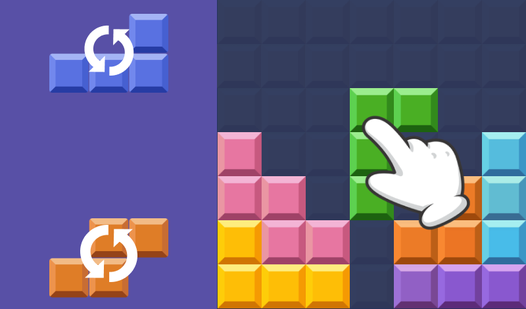
- Rotation logic: Pieces do not always sit upright. You must spin them to align the tabs with the neighbors.
- Digital cleanup: No lost pieces under the couch. Your physical living room stays tidy while you finish the art.
How to Play
Jigsaw Collections: Getting started
Click and drag to move pieces across the board. The Jigsaw Collections controls rely on your mouse or touchscreen to snap items into place. Just remember to zoom out if you feel lost. Most people mess up by ignoring the edges first; find those straight-sided pieces to anchor your frame.
Rotating pieces in Jigsaw Collections
Once you master the basic layout, try rotating the segments. Learning how to play Jigsaw Collections with rotation adds a layer of depth that keeps you on your toes. Some pieces look like they fit but are actually turned ninety degrees off. Don't force them or you will get nowhere.
Who Should Play Jigsaw Collections?
Frequently Asked Questions about Jigsaw Collections
How do you rotate pieces in Jigsaw Collections?
You can usually rotate a piece by clicking it again or using a dedicated button on the UI. Make sure you check the settings if the rotation feels clunky.
Can I play Jigsaw Collections on my phone?
Yes, it works fine on mobile browsers. Just keep in mind that the smaller screen makes dragging pieces a bit tricky compared to using a desktop mouse.
Is Jigsaw Collections free to play?
Yes, Jigsaw Collections is completely free to play on Nub Games. There are no in-app purchases. No download or registration required.
Can I play Jigsaw Collections on mobile?
Jigsaw Collections works on both desktop and mobile devices. Best played in none mode.
What age rating is Jigsaw Collections?
The catalog age rating for Jigsaw Collections is 0+.