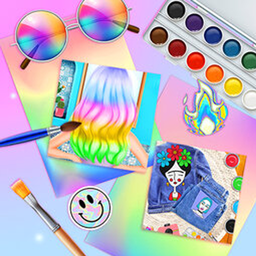
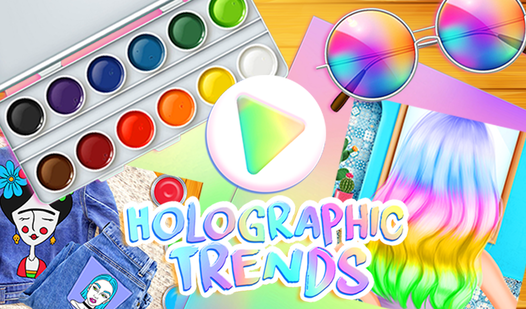





Key Features
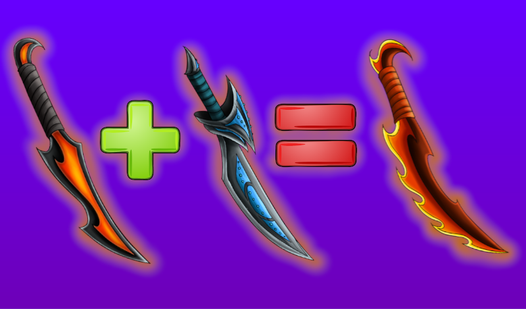
- Neon Palette: The colors glow like highlighters on a dark background. It makes every boring shape look like a futuristic display.
- Tiny Hitboxes: You need a steady hand for the smaller sections. It turns a relaxing session into a mini test of focus.
- Instant Reset: Mess up a color choice? Just paint over it immediately.
- Visual Variety: Every page features different patterns. You never know if you are coloring a tech gadget or a random accessory.
How to Play
Holographic Trends: Grabbing your tools
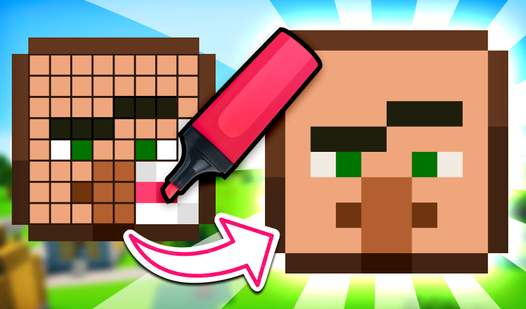
Your mouse is your only brush. Click to select a color, then click a segment to fill it. The Holographic Trends controls are simple, but be warned: the hitboxes for the smaller segments are tiny. If you miss, you end up painting over the wrong section by accident.
How to play Holographic Trends without stress
Take your time with the edges. Most people rush and click the wrong zone, which makes the whole image look messy. Once you master the rhythm, you can finish a page in minutes. Just watch out for the final pages; the detail jumps up fast and gets a bit cramped.
Who Should Play Holographic Trends?
Frequently Asked Questions about Holographic Trends
Can I play Holographic Trends on my phone?
Yes, you can. The touch interface works for selecting colors and filling in the segments, though you might find the smaller areas frustrating to tap on a tiny screen.
How do you undo a mistake in Holographic Trends?
There is no dedicated undo button in the game. You have to paint over the mistake with the correct color, which is annoying if you have shaky fingers.
Is Holographic Trends free to play?
Yes, Holographic Trends is completely free to play on Nub Games. There are no in-app purchases. No download or registration required.
Can I play Holographic Trends on mobile?
Holographic Trends works on both desktop and mobile devices. Best played in none mode.
What age rating is Holographic Trends?
The catalog age rating for Holographic Trends is 0+.