











Key Features
- Tight Grid Logic: The board space is limited. You have to decide which colors take priority before you run out of moves.
- Color Chain Reactions: Clearing one group often opens up space for another. It feels great when a big stack disappears.
- Visual Clarity: The colors are distinct. You won't struggle to tell them apart even when things get hectic.
- Sticky Hitboxes: Dragging stacks can feel a bit heavy. Sometimes the blocks don't snap exactly where you want them.
How to Play
Mastering Hexa Quest inputs
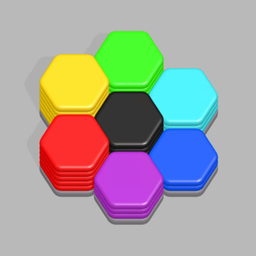
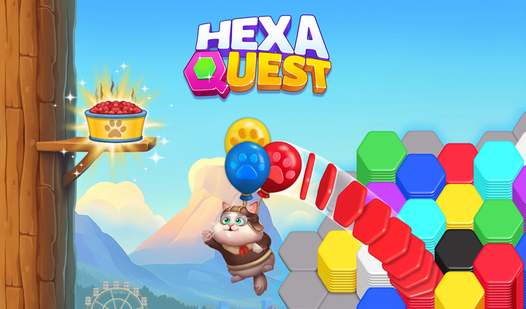
Hexa Quest controls are simple: use your mouse to click and drag stacks onto the board. If you’re on a phone, just tap and slide. The goal is to group matching colors together until they vanish. It sounds basic, but you have to plan ahead or you’ll run out of room.
How to play Hexa Quest effectively
Your biggest mistake will be clogging the board with random colors. Keep your workspace open by focusing on clearing one color at a time. Once you get to the later stages, the grid gets tight and messy. You’ll need to think three moves ahead to keep the board from hitting a dead end.
Who Should Play Hexa Quest?
Frequently Asked Questions about Hexa Quest
Can I play Hexa Quest on my phone?
Yes, it runs on mobile browsers without any issues. The touch controls for Hexa Quest are responsive, though small screens can make precision placement slightly tricky.
What games are similar to Hexa Quest?
If you enjoy sorting mechanics, check out Avoid Waves - Rescue Memes! or the chaos found in Obby: Brainrot Train Chase for a change of pace.
Is Hexa Quest free to play?
Yes, Hexa Quest is completely free to play on Nub Games. Optional in-app purchases are available. No download or registration required.
Can I play Hexa Quest on mobile?
Hexa Quest works on both desktop and mobile devices. Best played in portrait mode.
What age rating is Hexa Quest?
The catalog age rating for Hexa Quest is 6+.